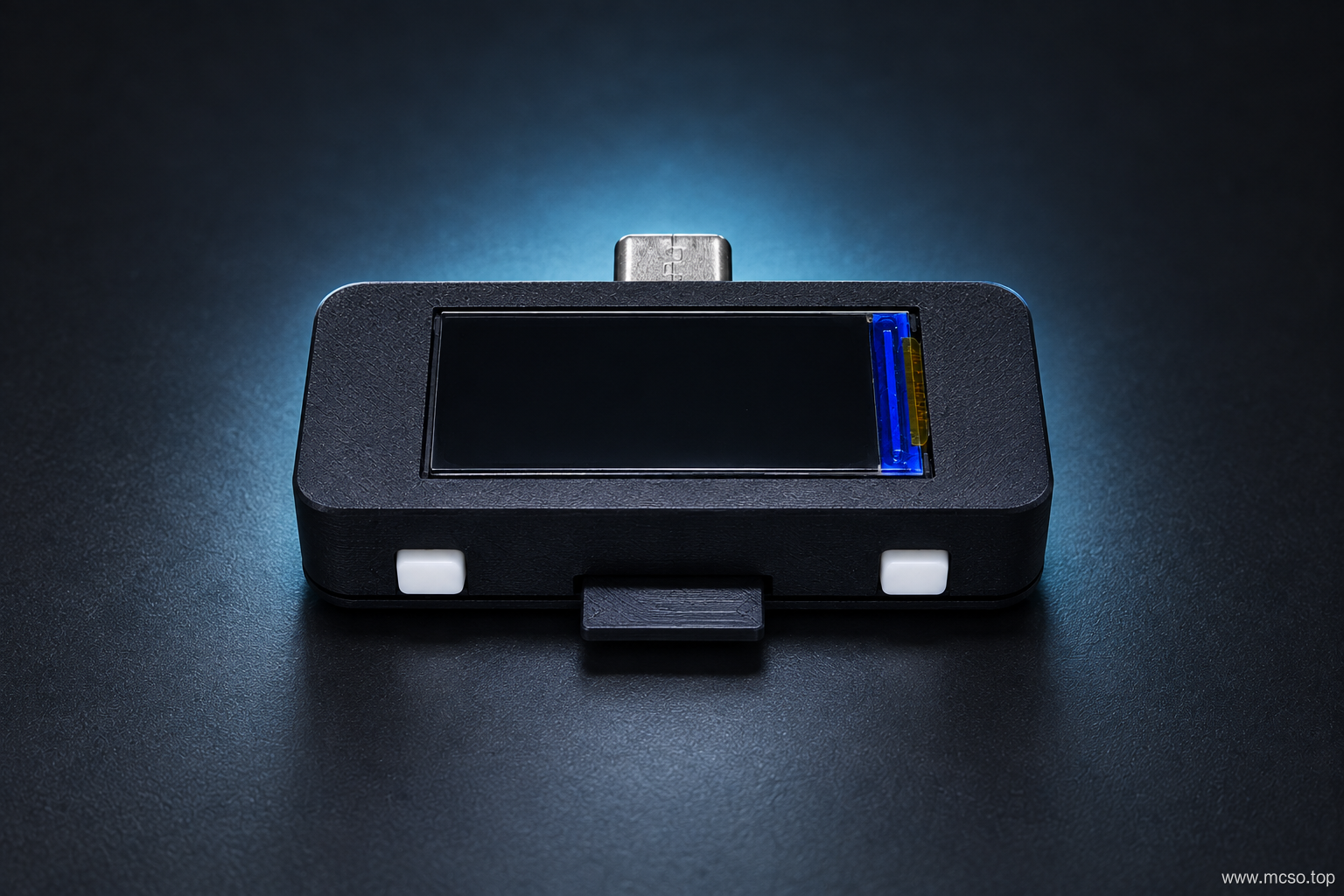

Total 2106 characters, estimated reading time: 6 minutes.
Open Source Address
-
Open source circuit boards, 3D enclosures, etc:Jialichuang EDA
-
Firmware Update & Download:GitHub
-
Open Source Code:GitHub
All the resource websites you may use are on it ~
The following is an introduction video and communication group ~
-
B station introduction video:https://www.bilibili.com/video/BV1DfvtBJEjh
-
QQ communication group:684798636
Re-engraving tutorial
Printing PCB
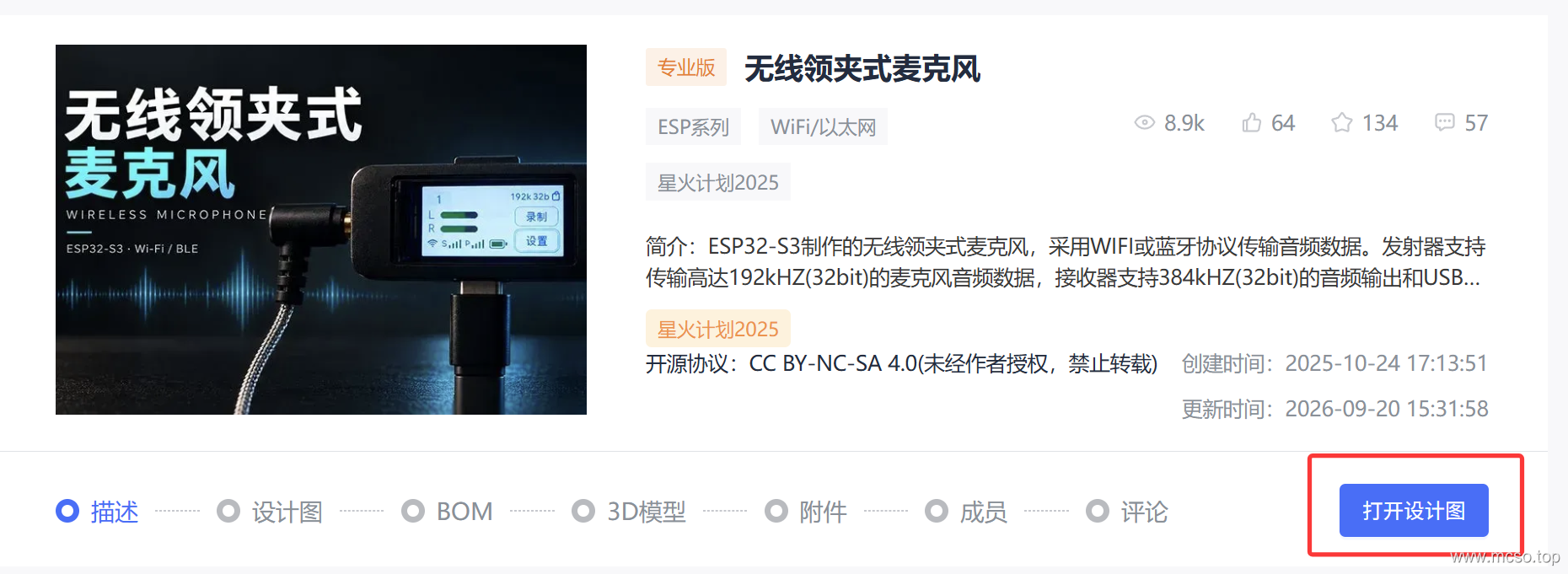
Open me in JLCPCB Open source project, from the bottom right corner of the title here Open Design:
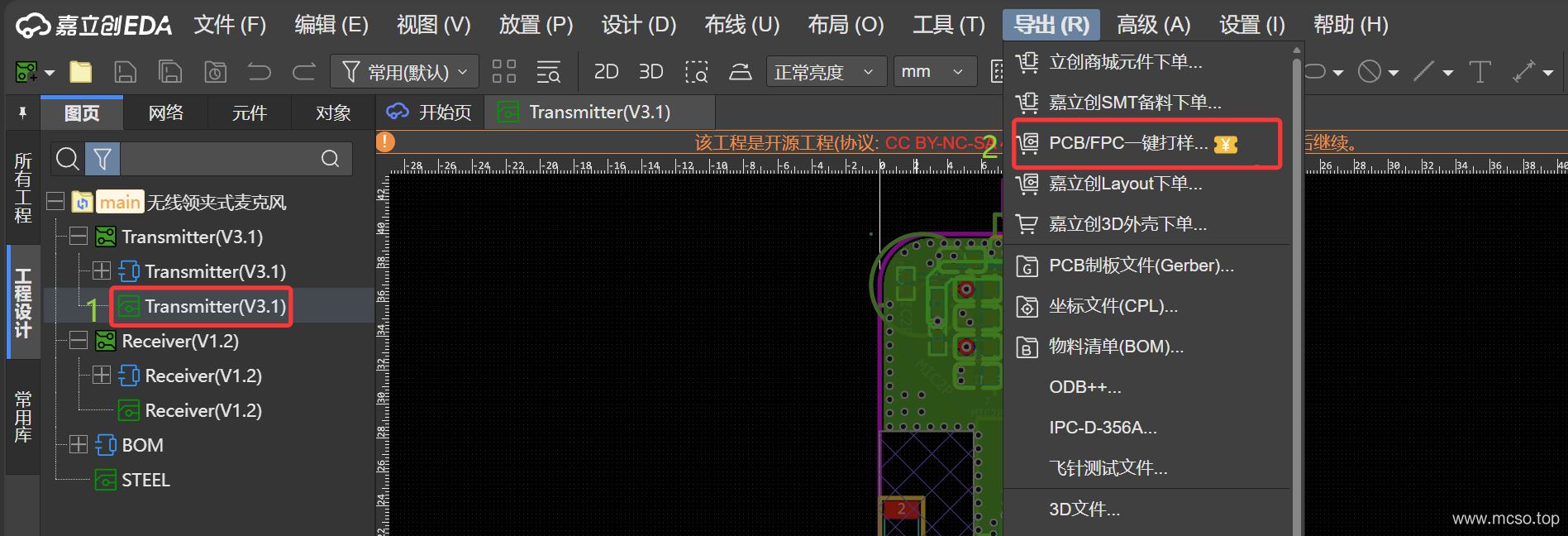
Then double-click the board file of the transmitter or receiver, and then click Export in the upper right corner to enter PCB/FPC one-key proofing:
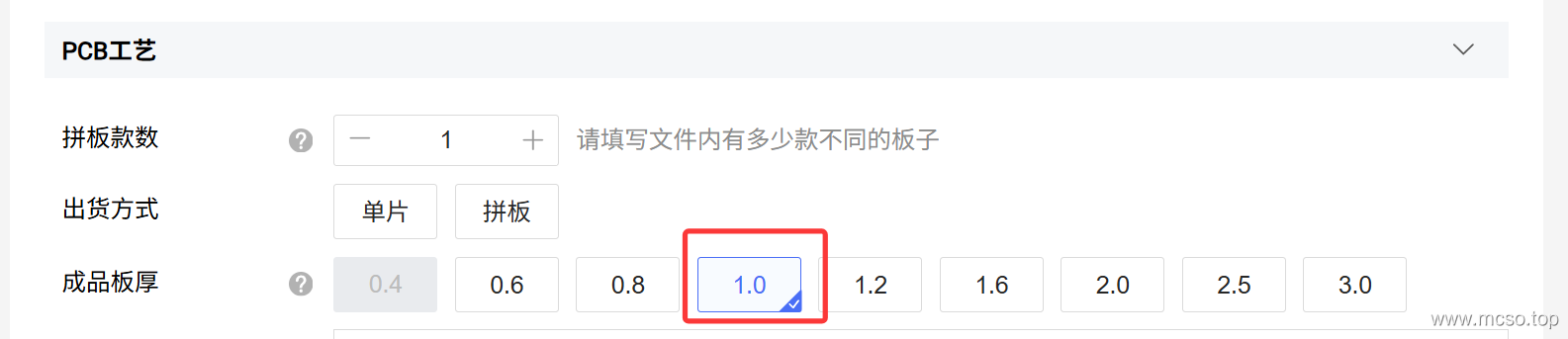
When placing an order, pay attention to this Four-layer board , Plate thickness 1.0mm,Outer copper 1 ounce thick, inner copper 0.5 ounces thick , Impedance requirement is JLC04101H-7628:
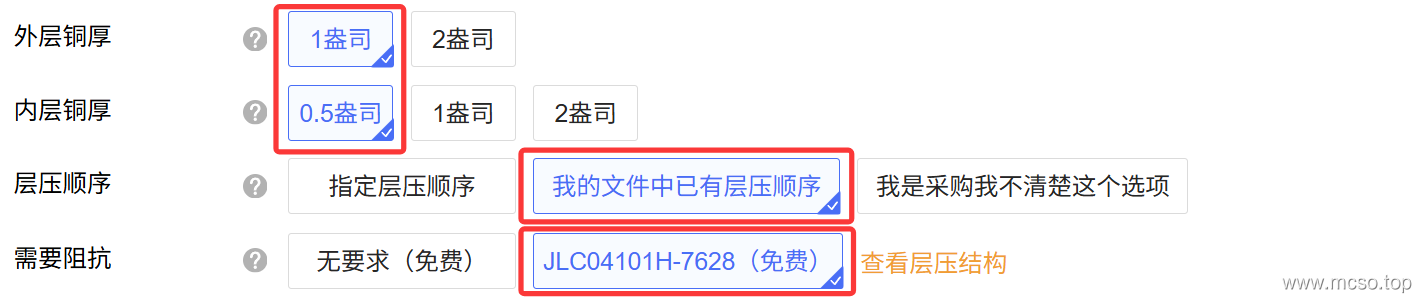
Then just place an order according to your other information. The transmitter and receiver all print in this way.
Purchase of components according to BOM
Here's a list of commonly used substitutions:
| Component type | Original element | Replace component | Description |
|---|---|---|---|
| Main control | ESP32-S3R8 | ESP32-S3R16 | As long as the ESP32-S3 has sufficient onboard PSRAM, it will work. Both transmitter and receiver require more than 8MB PSRAM (I. e. more than ESP32-S3R8). |
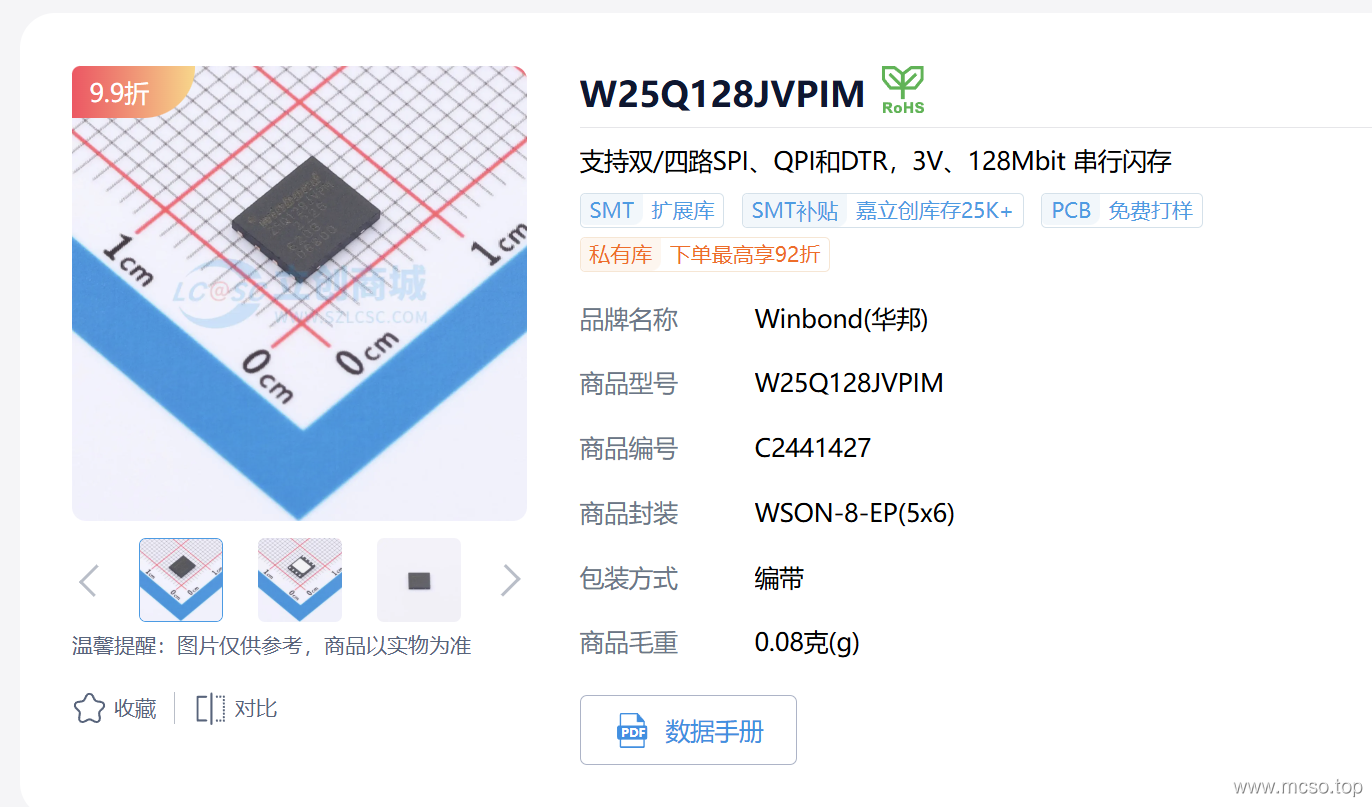
| Flash | MT25QL256ABA1EW7-0SIT | W25Q32JVZPIQ | As long as it is packaged as W-PDFN-8-EP(5 × 6) or WSON-8-EP(5 × 6) Flash, but the capacity is required to be greater than or equal to 32Mbit. |
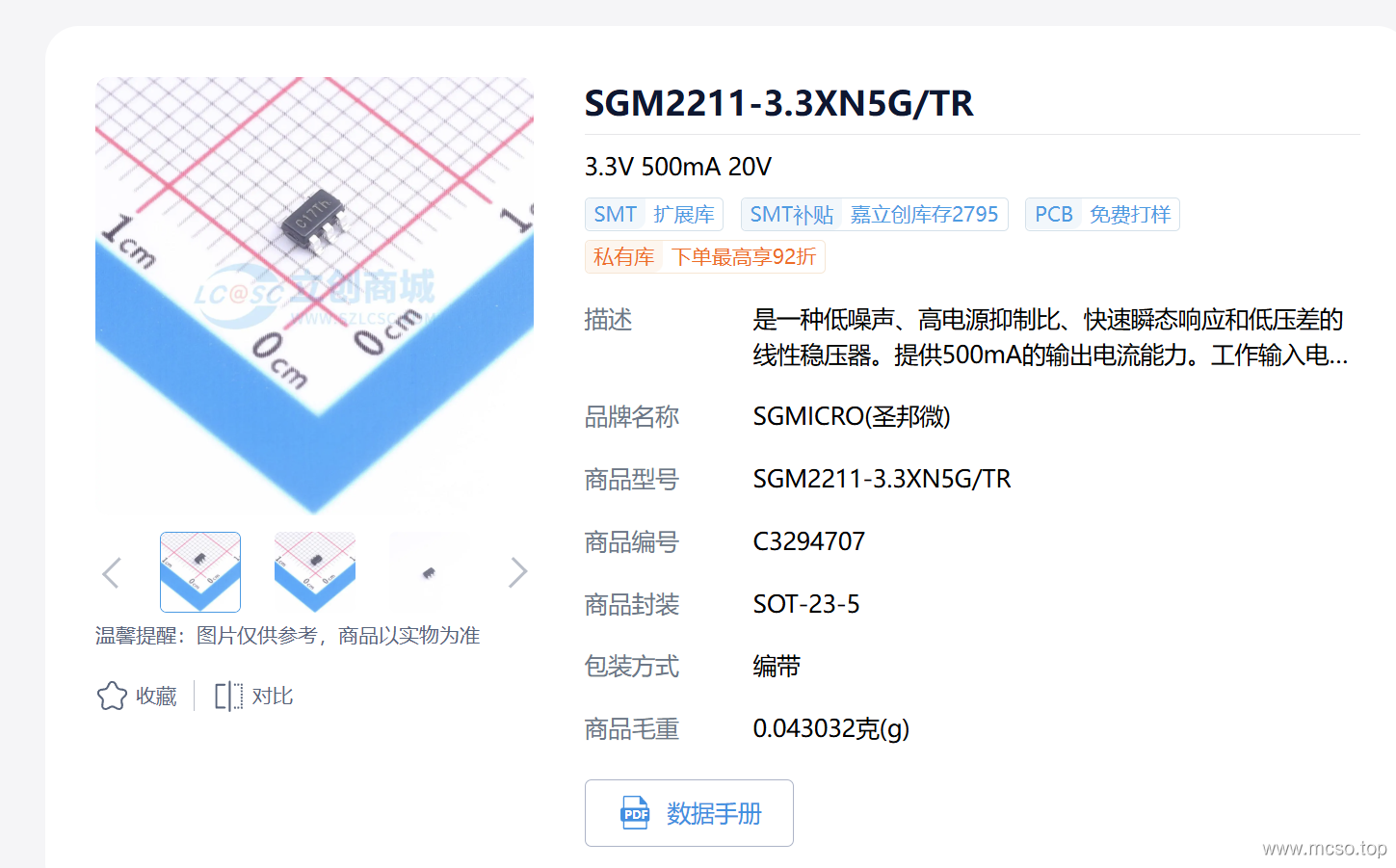
| Power supply 3.3V | LP5907MFX-3.3/NOPB | TLV75733PDBVR, SGM2033-3.3XN5G/TR | As long as it is 3.3V, a linear regulator with the same pin function is basically fine. |
| Power supply 3.3V | TLV75733PDBVR | XC6220B331MR-G | As long as it is 3.3V, a linear regulator with the same pin function and an output current of 1A will basically do. |
Or just like before, this time open the schematic diagram, click Lichuang Shopping Mall Component Order You can automatically order components according to the BOM:
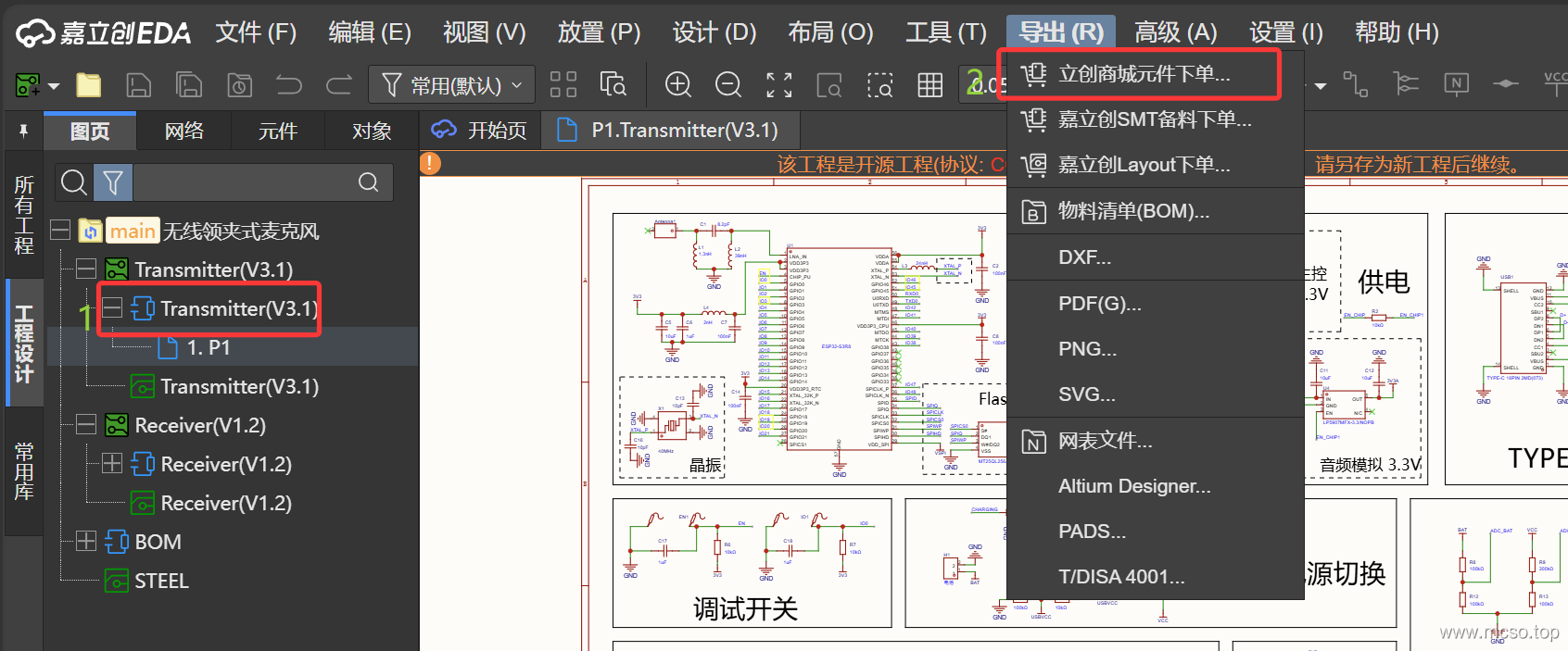
However, some of Jialichuang's originals will be very expensive. I have directly calculated the price of a transmitter here. 271.36 Yuan!
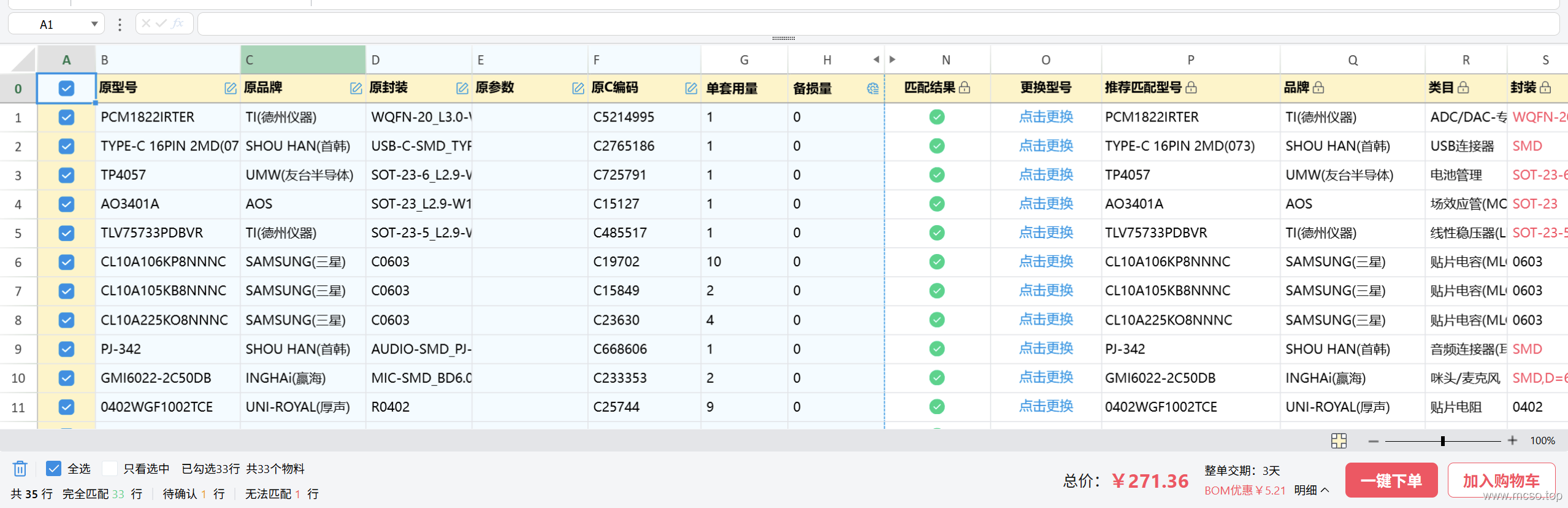
But don't panic, we can optimize this BOM, some components don't need to be so expensive. You can also go to Taobao and other shopping sites to search the corresponding components, in fact, some of them are cheaper than Jialichuang.
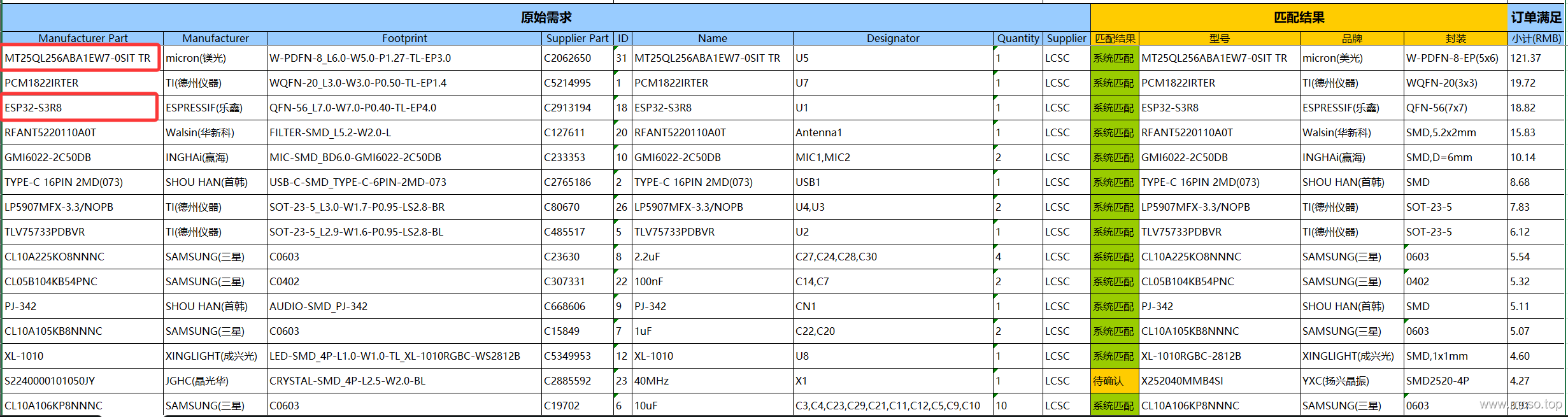
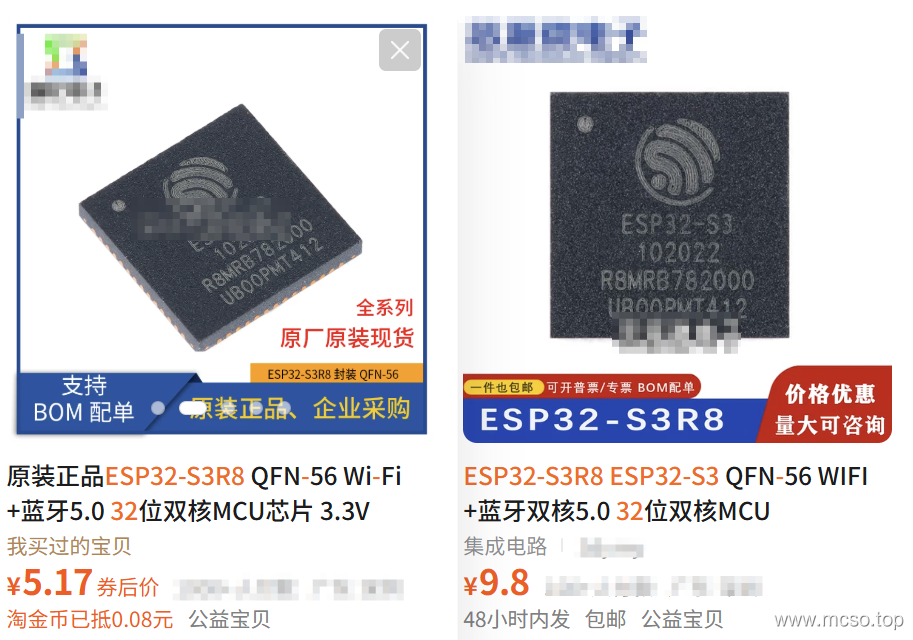
Here I take the transmitter as an example, the main control chip ESP32S3R8 In fact, you can buy it very cheaply on Taobao:
Then MT25QL256ABA1EW7-0SIT This is Flash chips, currently only need 32Mbit Enough is enough! So we can replace it This:
And also, for example… LP5907MFX-3.3/NOPB Power supply is out of stock, can't buy! It can be replaced with a linear regulator with the same 3.3V output and the same pin function, such SGM2033-3.3XN5G/TR.

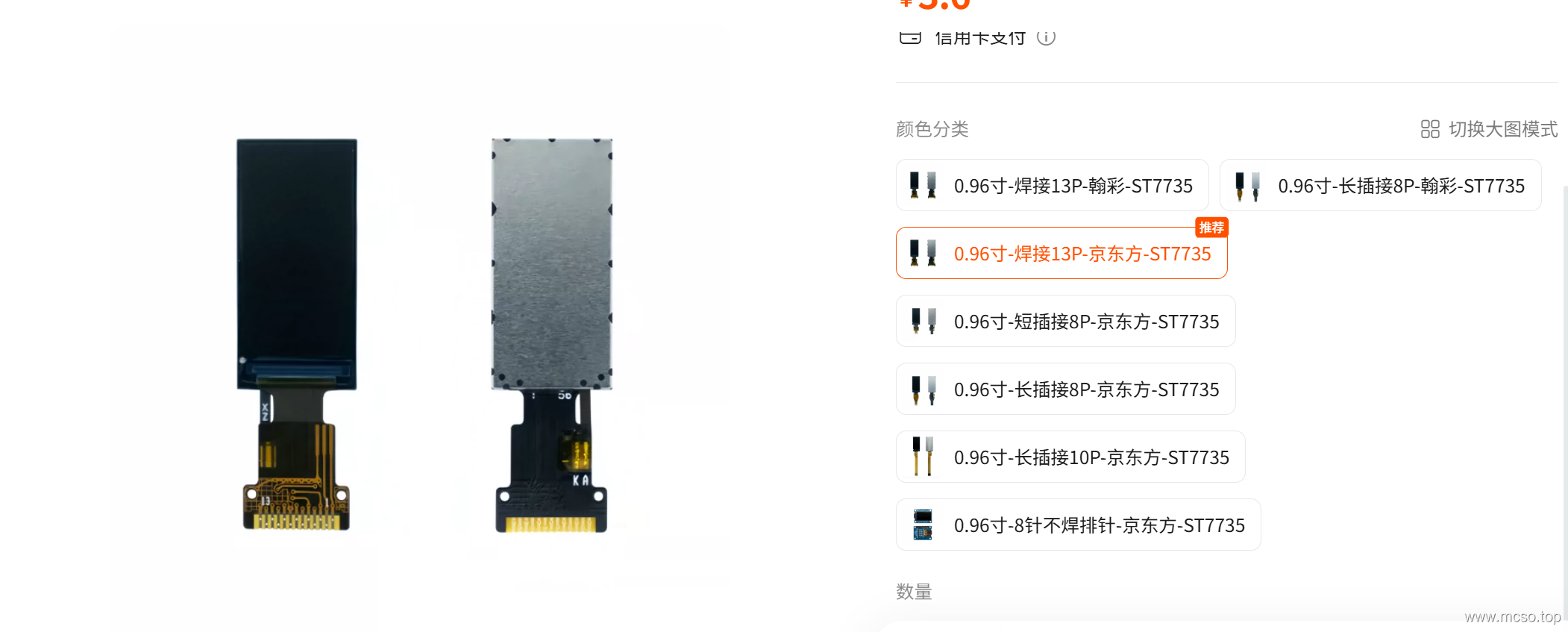
Finally, let's talk about the purchase of screens. Generally speaking, as long as it is 0.96 inch , 13P,Drive for ST7735 The screen is fine. I am at Taobao this link to buy, as follows:
The rest of you can buy it yourself!
Printing 3D Shell
The shell is also JLCPCB There are downloads in the open source project of, turn to the bottom:
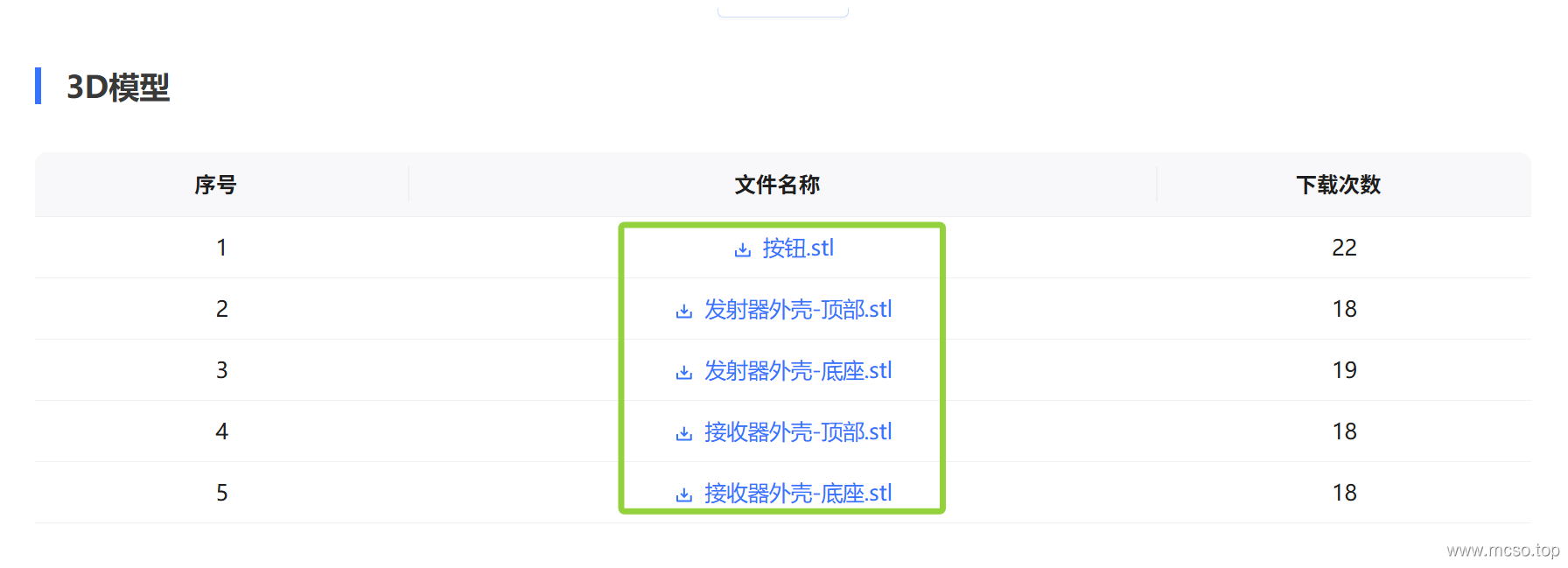
Then download it for 3D printing. If you don't have a 3D printer, you can try it. Jialichuang's 3D Printing Service:
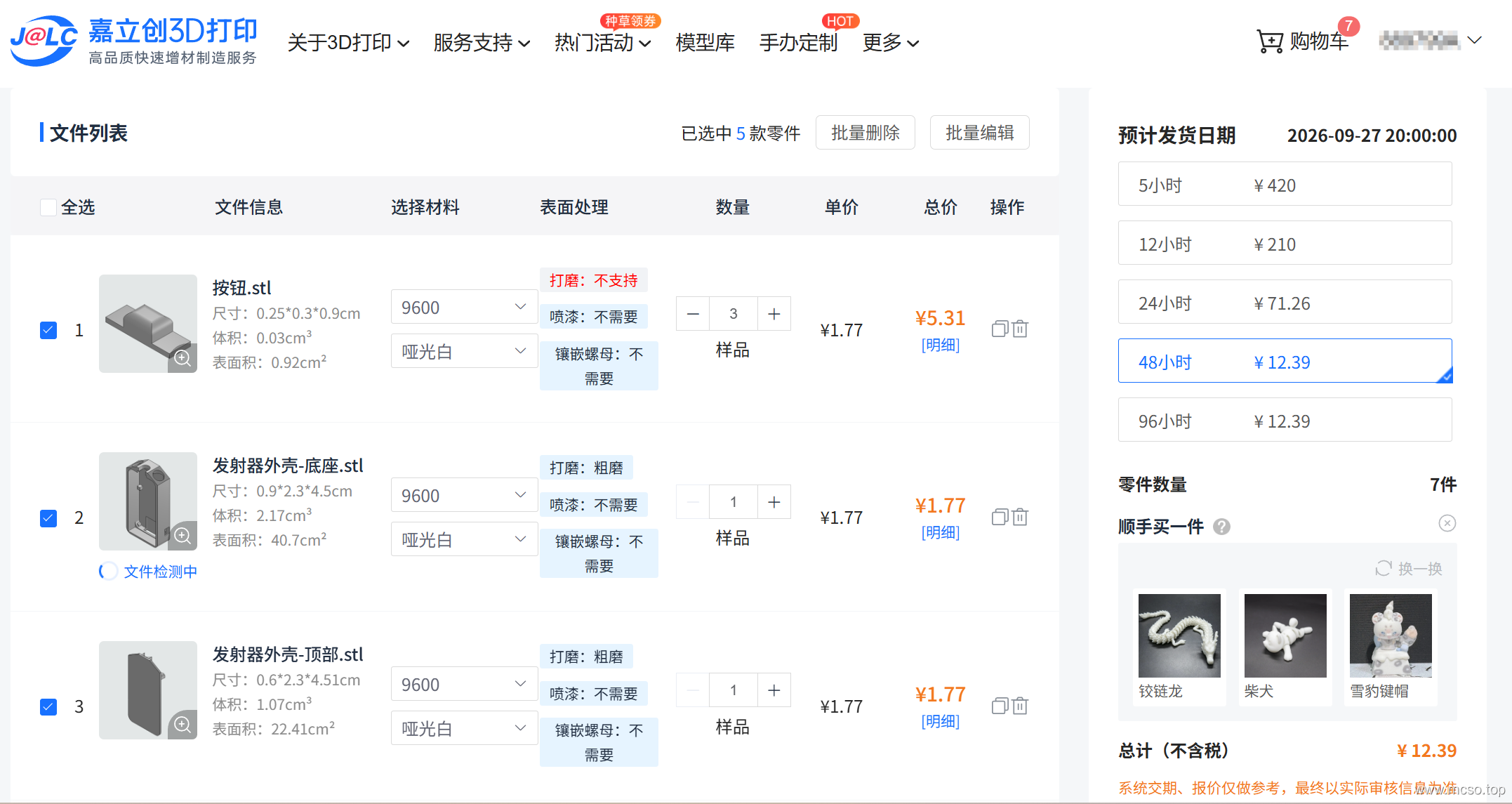
It should be noted that the buttons need to be printed 3, and the others only need to print 1 each! (for a set)
circuit board welding
The printed circuit board of Jialichuang should be similar to the following figure (of course, the circuit board may be updated in the future and the layout may be different):
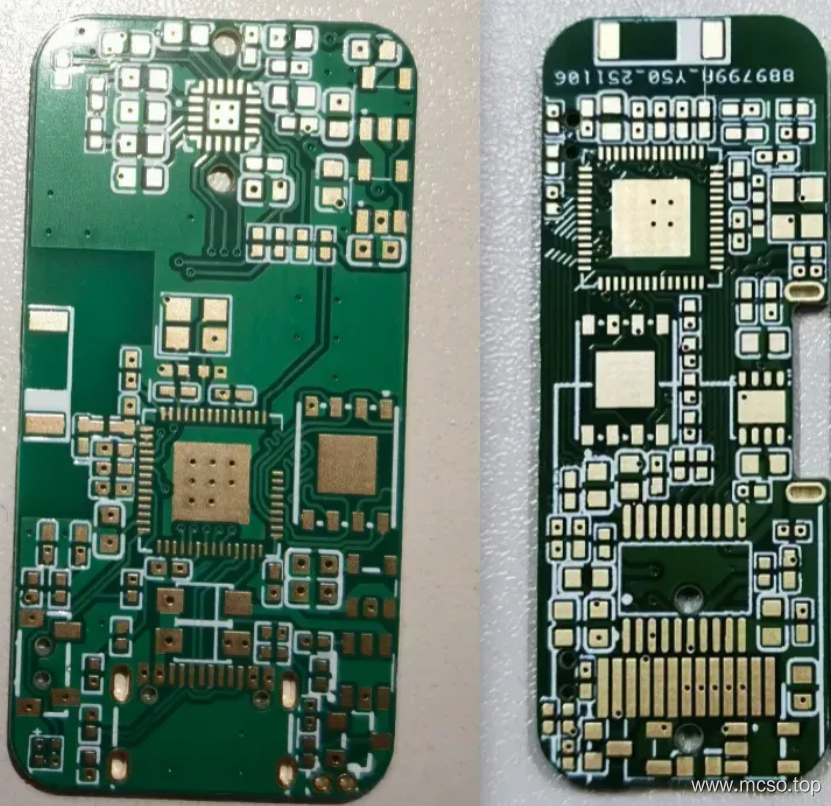
The next step is welding. You can refer to the previous chapters for component purchase. Since the electronic components are basically 0402, it is recommended to use SMT or use a constant temperature heating station for reflow soldering.
Transmitter welding
The transmitter is recommended to start with the side with more components. This side can first welding small capacitor resistance, and then welding power chip,After measuring the power supply is normal, solder ESP32S3 and other chips..
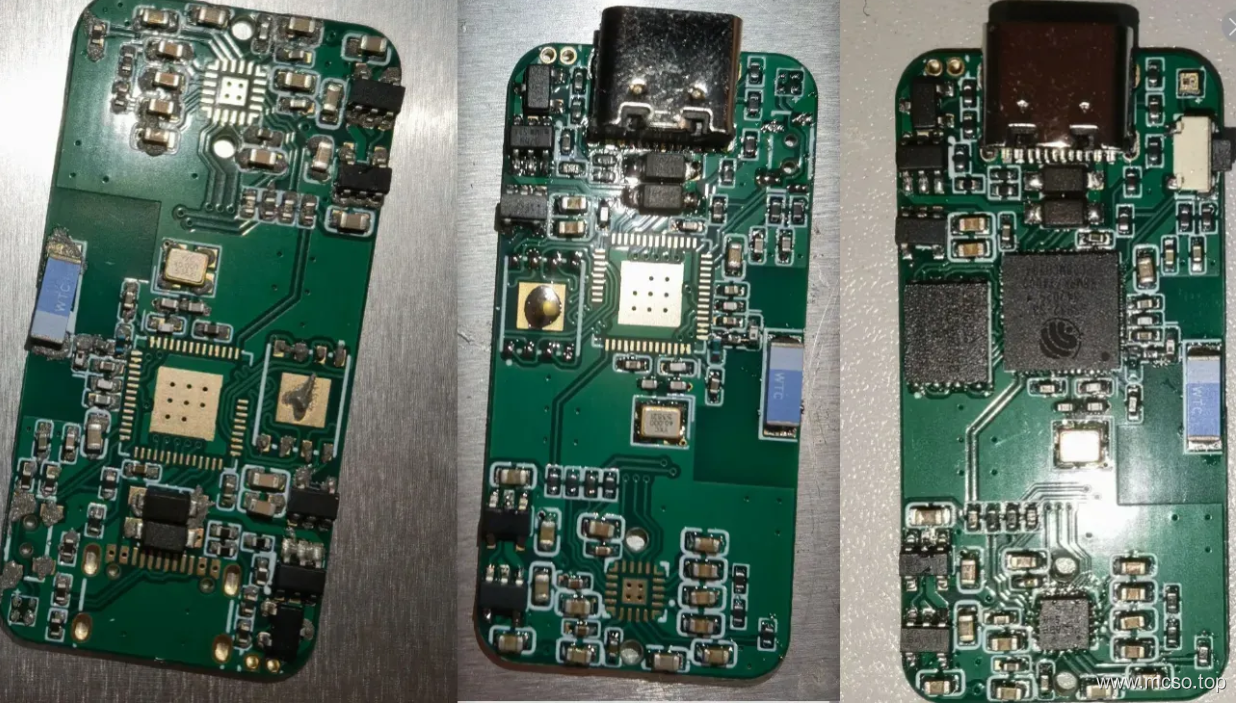
Then the back can be welded with an electric soldering iron (mainly 3.5mm interface and microphone), and the welding is similar to the following figure.
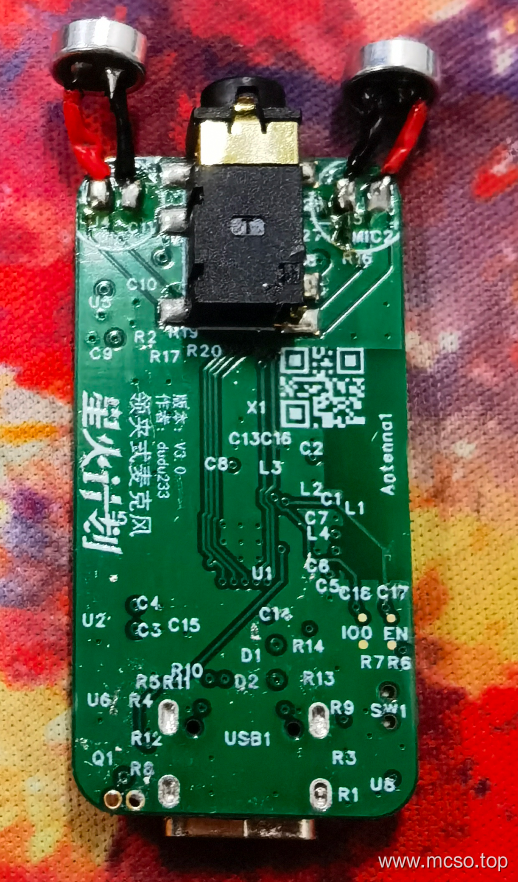
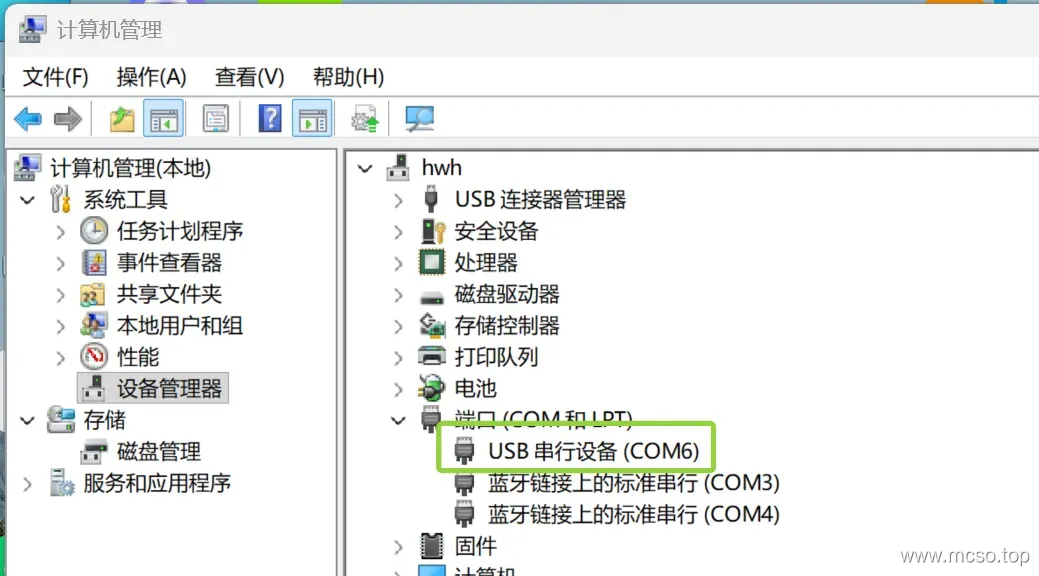
In this way, the whole transmitter is completed. At this time It is recommended to test whether the connection to the computer can be recognized!Can not be identified, please check whether the chip is soldered or short circuit! If normal, the device manager will normally display the ports as follows.
Receiver welding
The receiver is also similar. It is recommended to weld the small capacitor resistance first, then weld the power supply chip, then weld the TYPEC interface (you can use an electric soldering iron or reflow soldering in reverse), and then weld the chip after the power supply is normal.
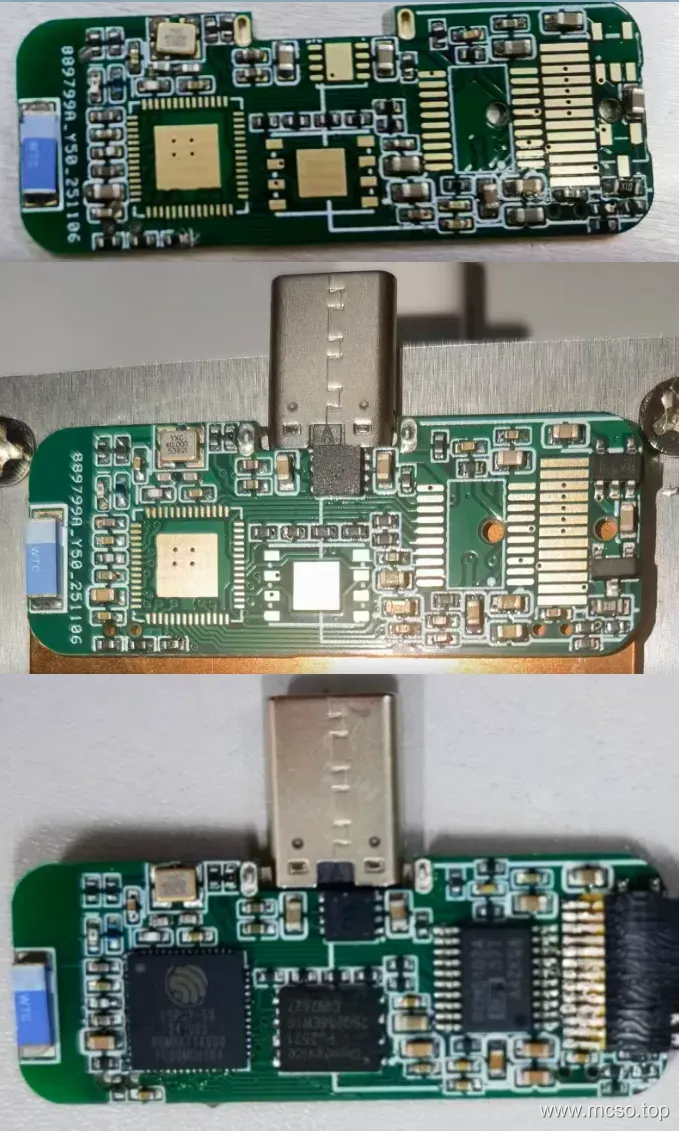
Before welding the back, also connect to the computer to test it!If the equipment is reconnected all the time, it is mostly type PEC interface virtual welding or chip virtual welding, please check! Next, you can turn over and weld the components on the back with a heating table (the temperature can be slightly adjusted to the high point, and be careful not to touch the components on the back)
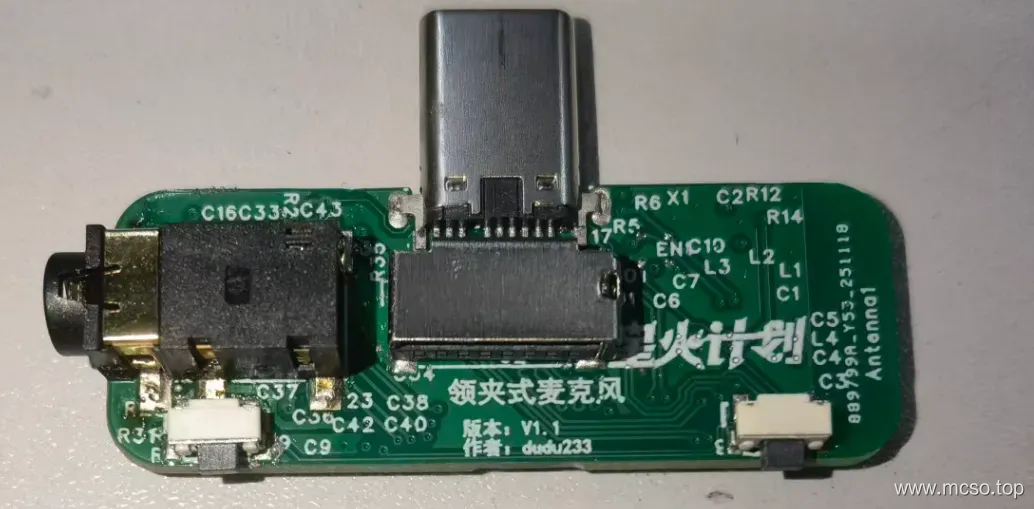
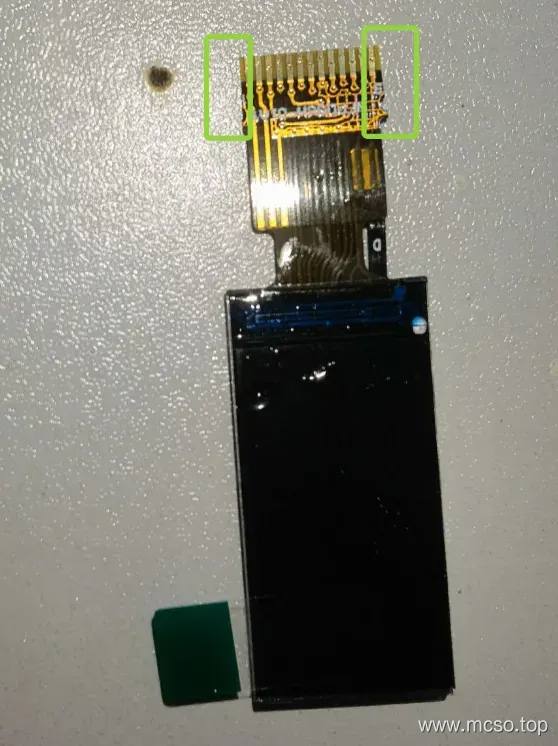
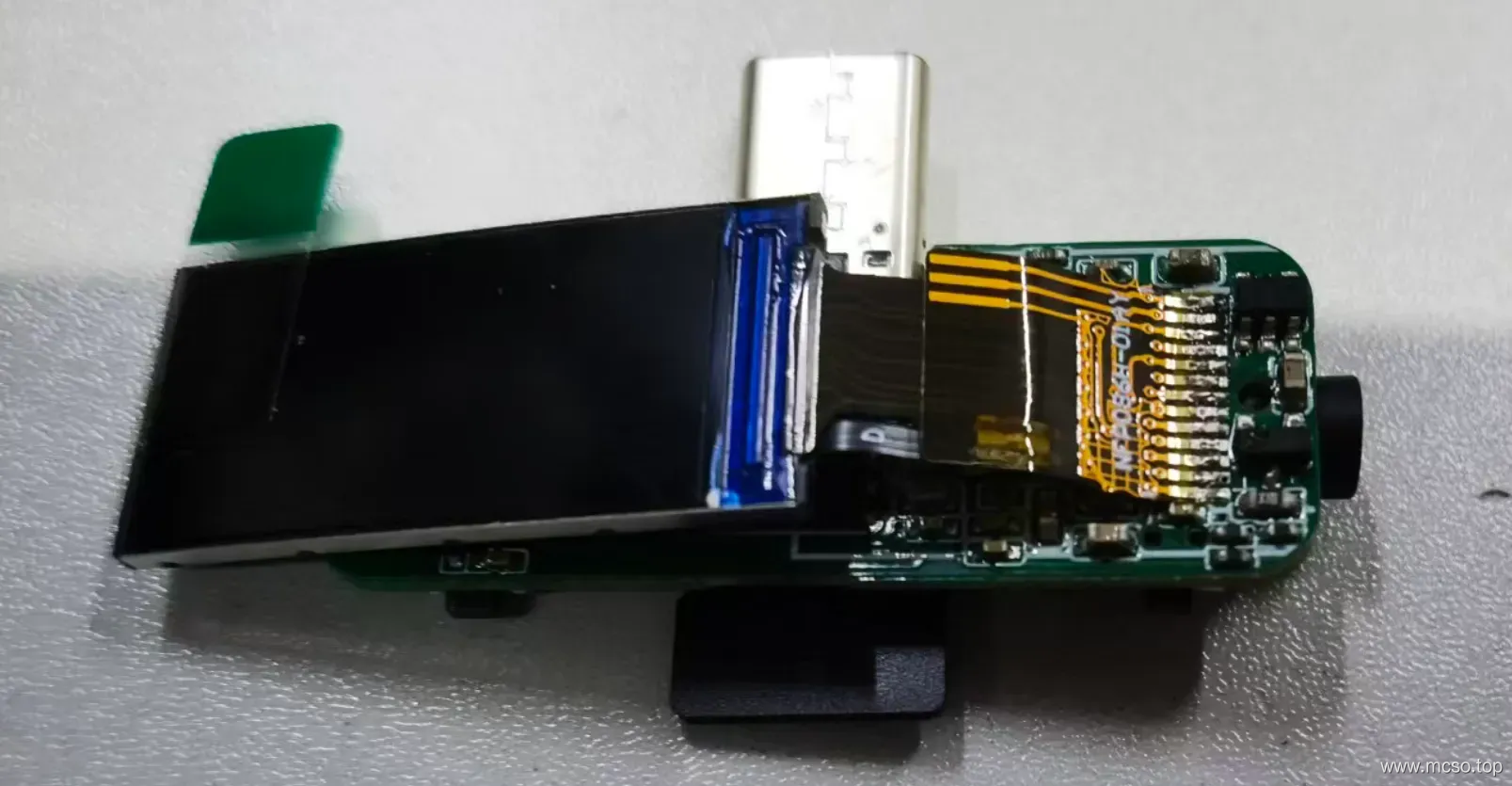
Finally, solder the screen with an electric soldering iron. Note that the cable may need to subtract the extra parts on both sides, like the following.
Pay attention to the direction of cable welding! Otherwise, it is not easy to put into the 3D shell!
3D Housing Assembly
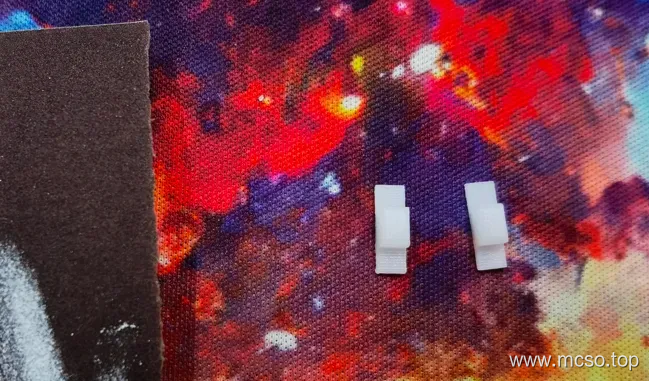
First of all, the printed button should be sanded with sandpaper, otherwise the button may have a small card.
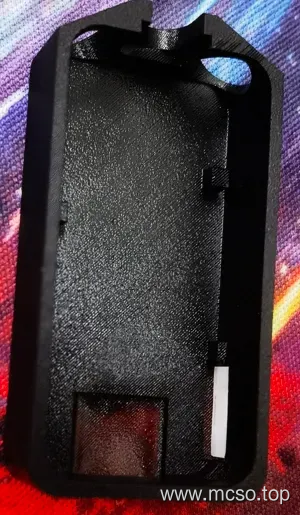
Assembling of transmitter
First, assemble the transmitter and install the polished button just now.
The lithium battery (Recommended specifications 210mAh length 30mm width 14mm height 5mm) Soldered to the circuit board, like this.
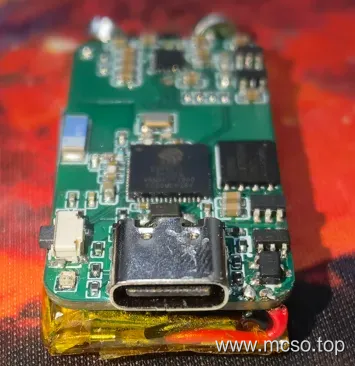
Then load it in.
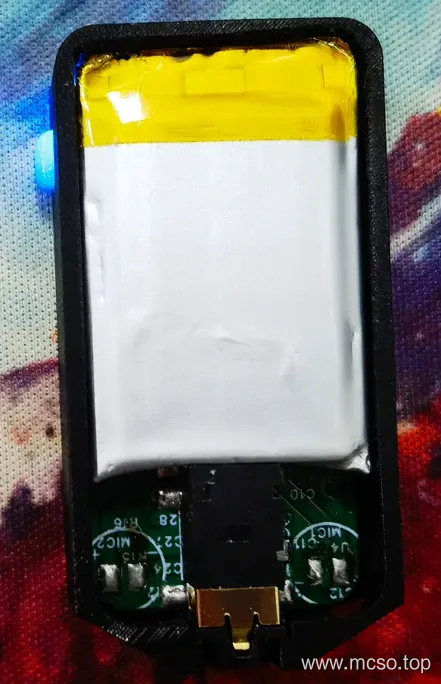
Weld the microphone.
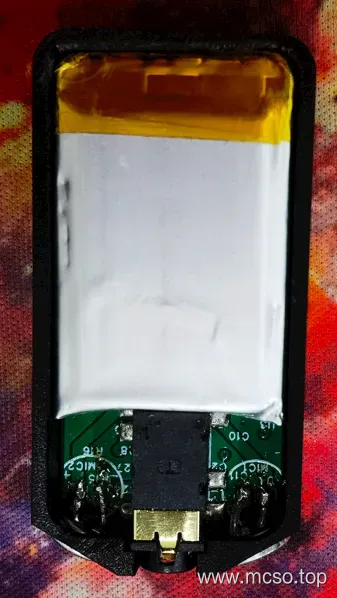
The final cover can be.
Receiver assembly
Then assemble the transmitter, press as shown in the figure, and put the button in first.
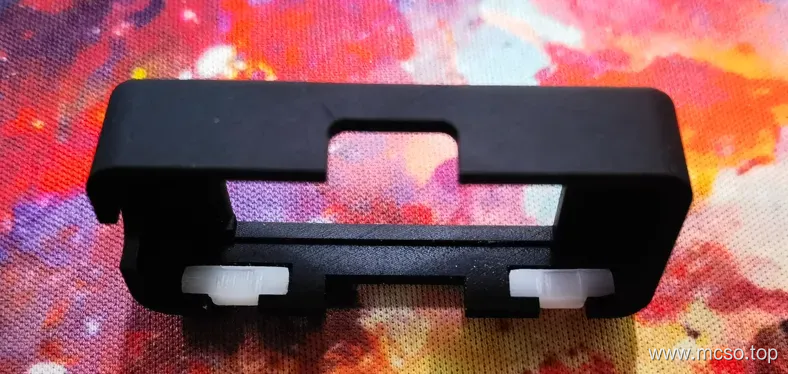
Put the circuit board in and pay attention to test whether the button can be pressed down.
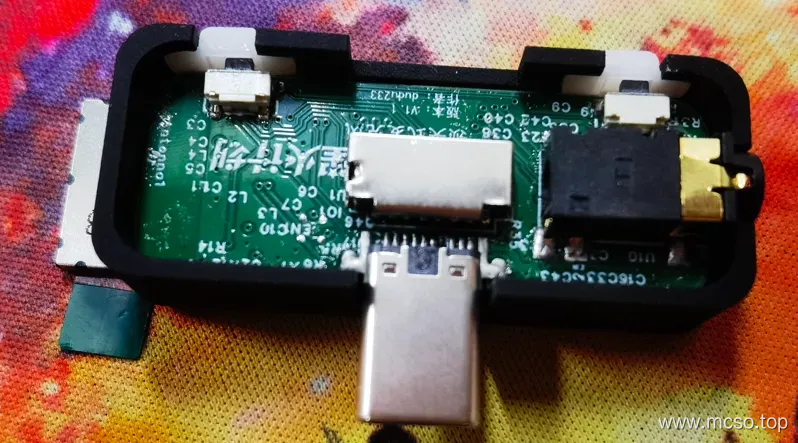
The screen cable folds like this.
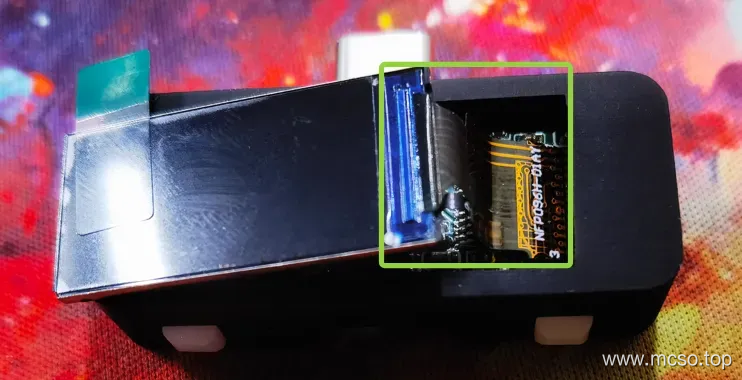
Then glue good.
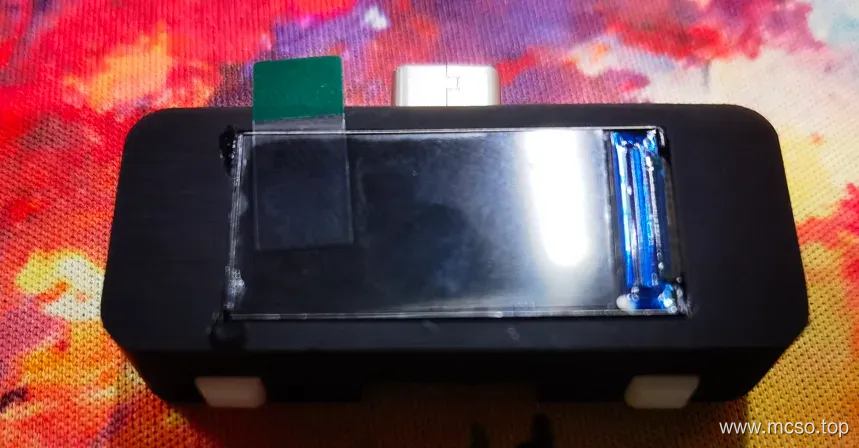
Then seal the back.
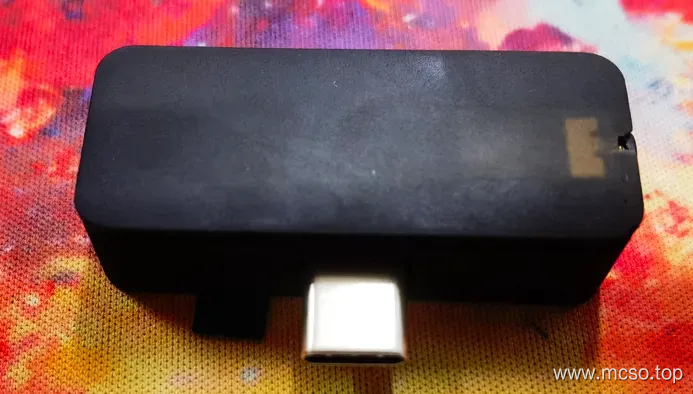
Program Burn
It will be finished soon ~ hold on!
Finally, it's time to burn the program!
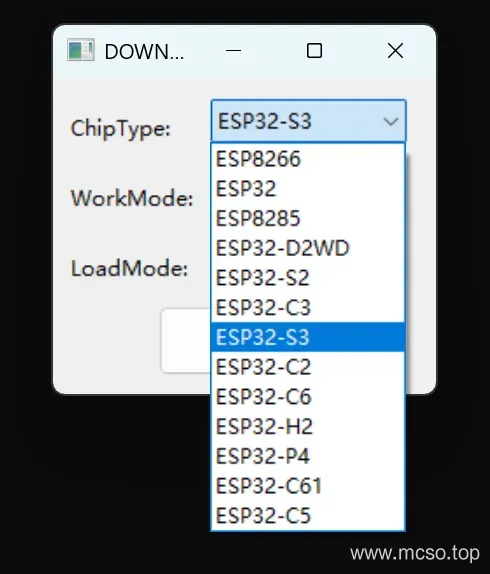
Open the ESP program download tool, select ESP32S3, open.
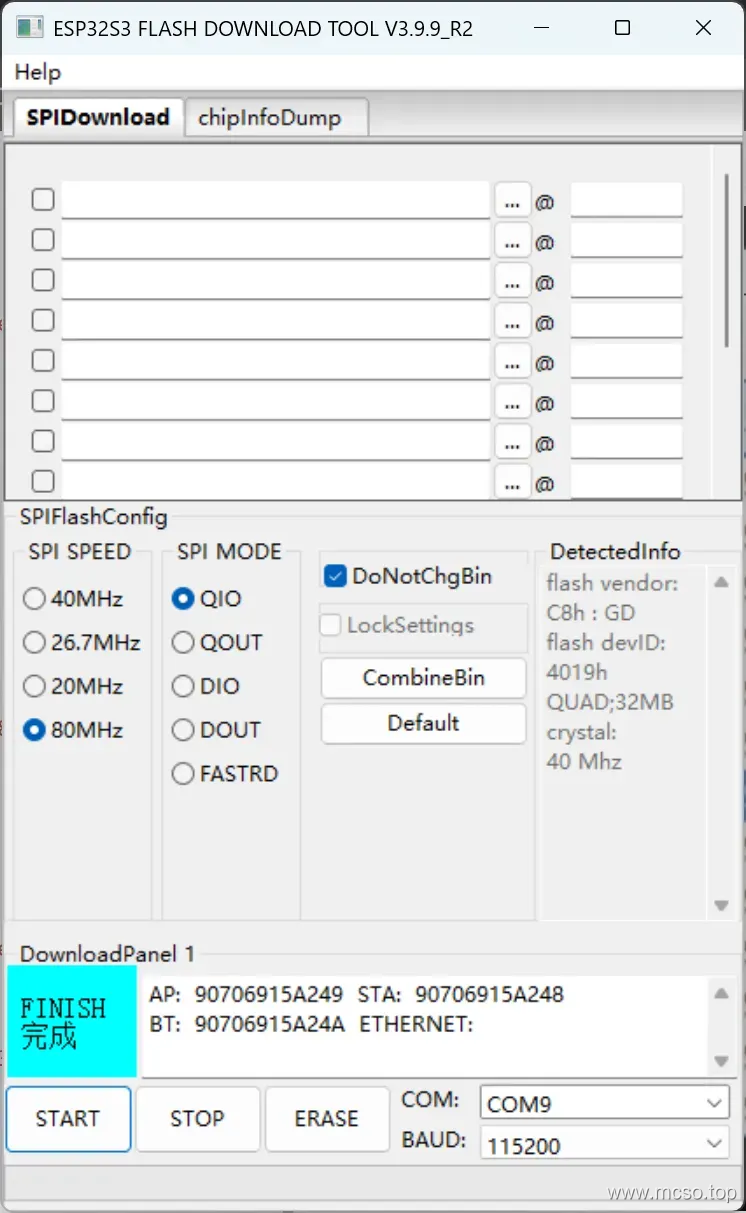
Select SPI SPEED is 80MHz,SPI MODE is QIO, click START to see if you can get the chip information.
If there is no problem, continue to fill in the burning path according to the following address (0x 0 directly).
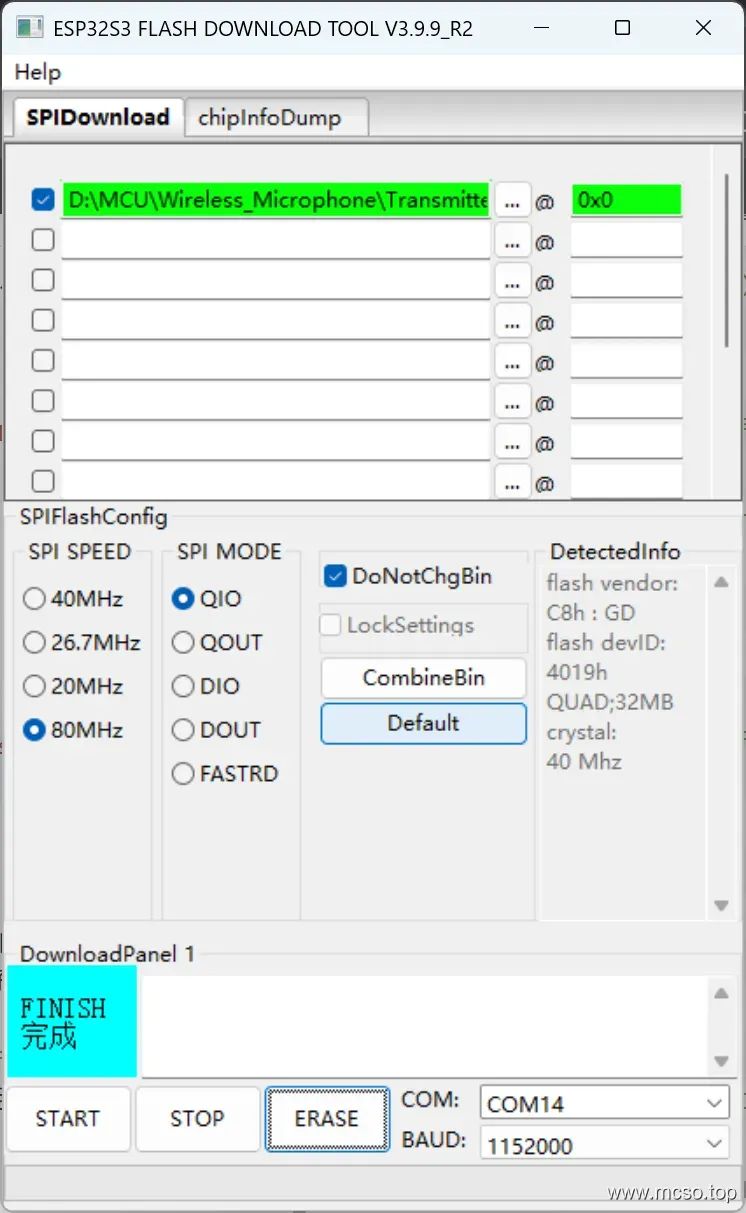
Complete the above click START Direct burning can be. The transmitter and receiver are burned according to this process!
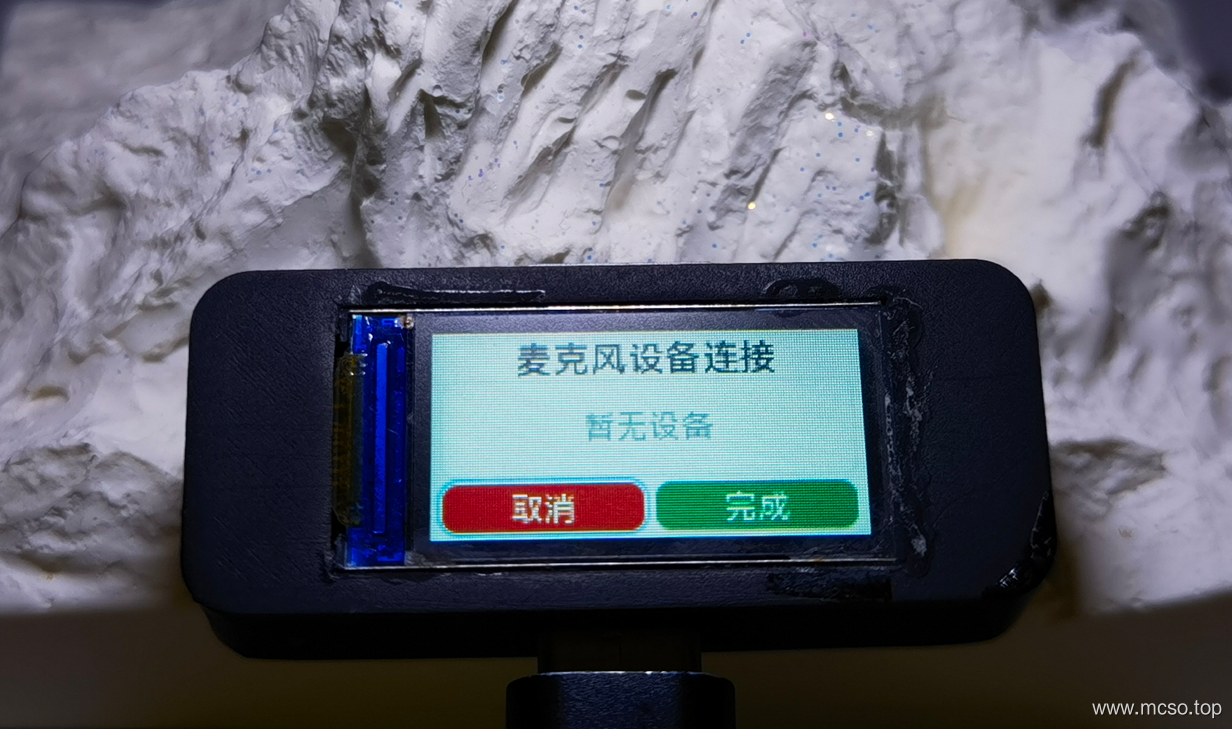
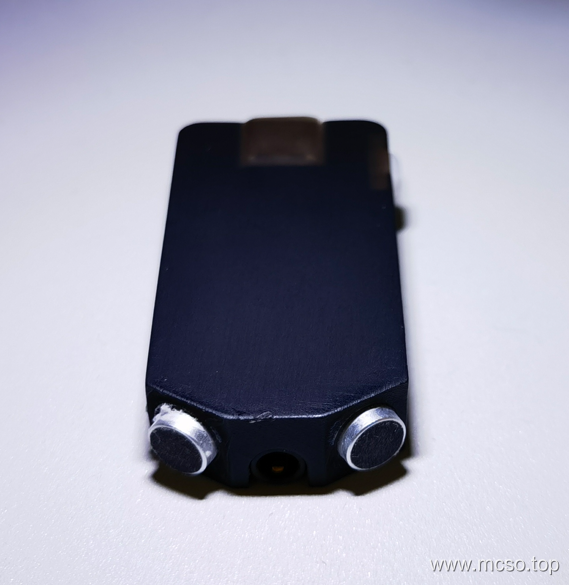
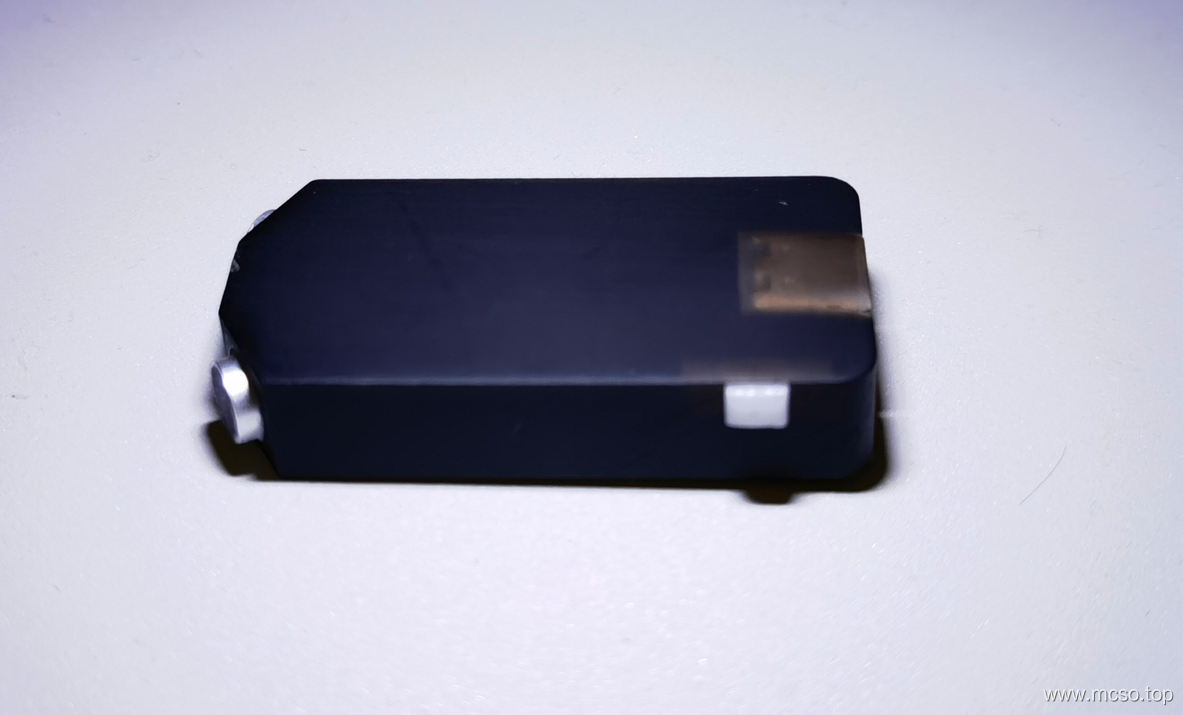
Actual product photo
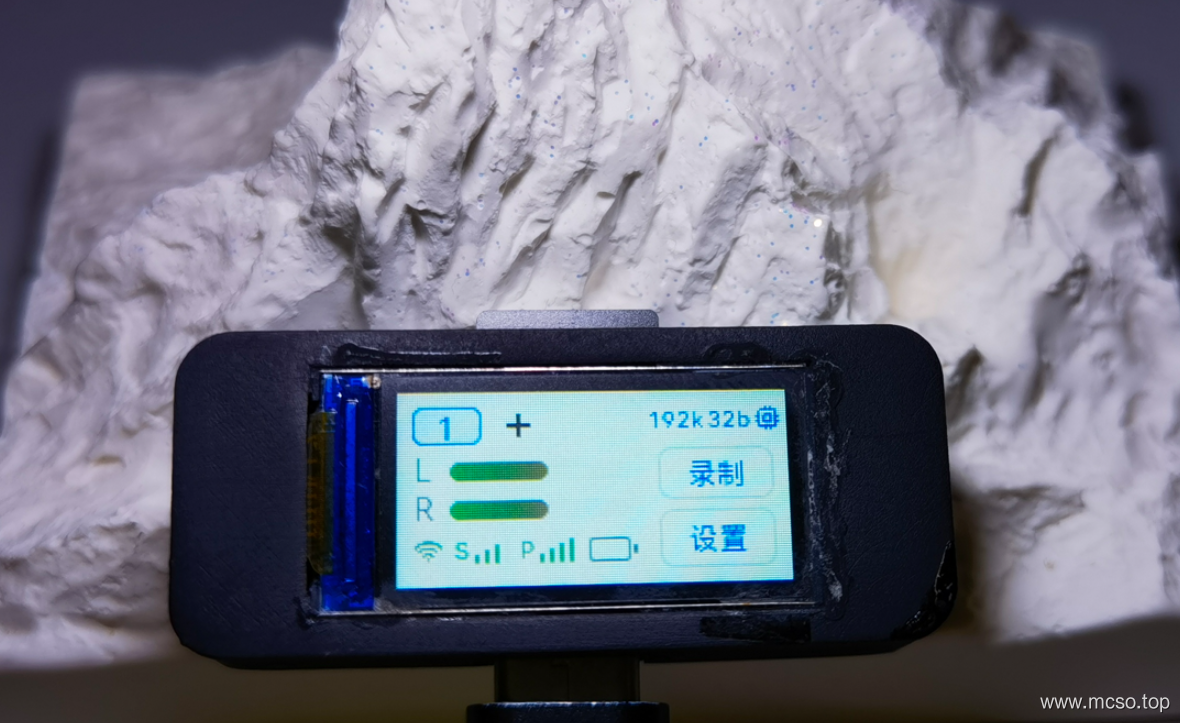
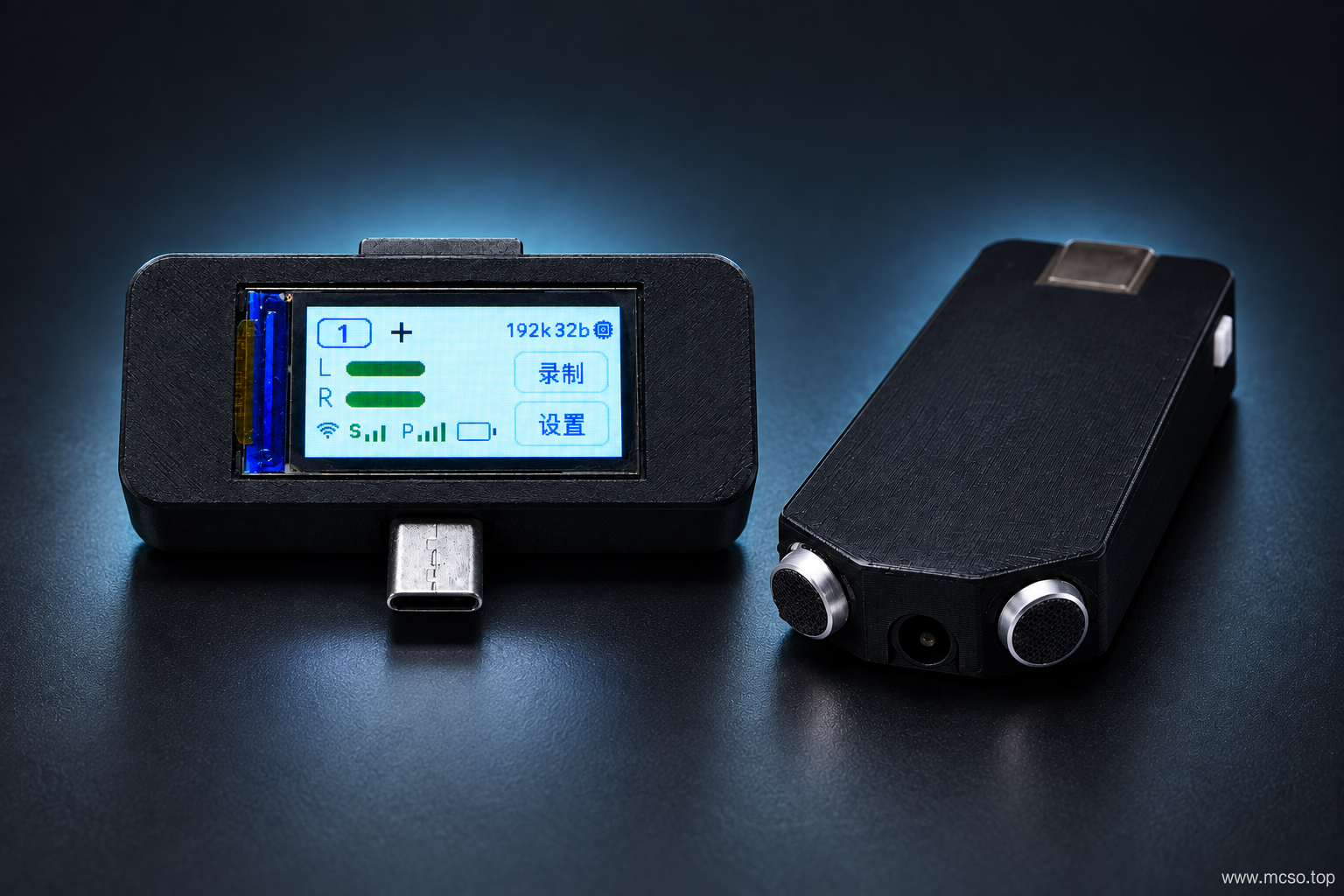
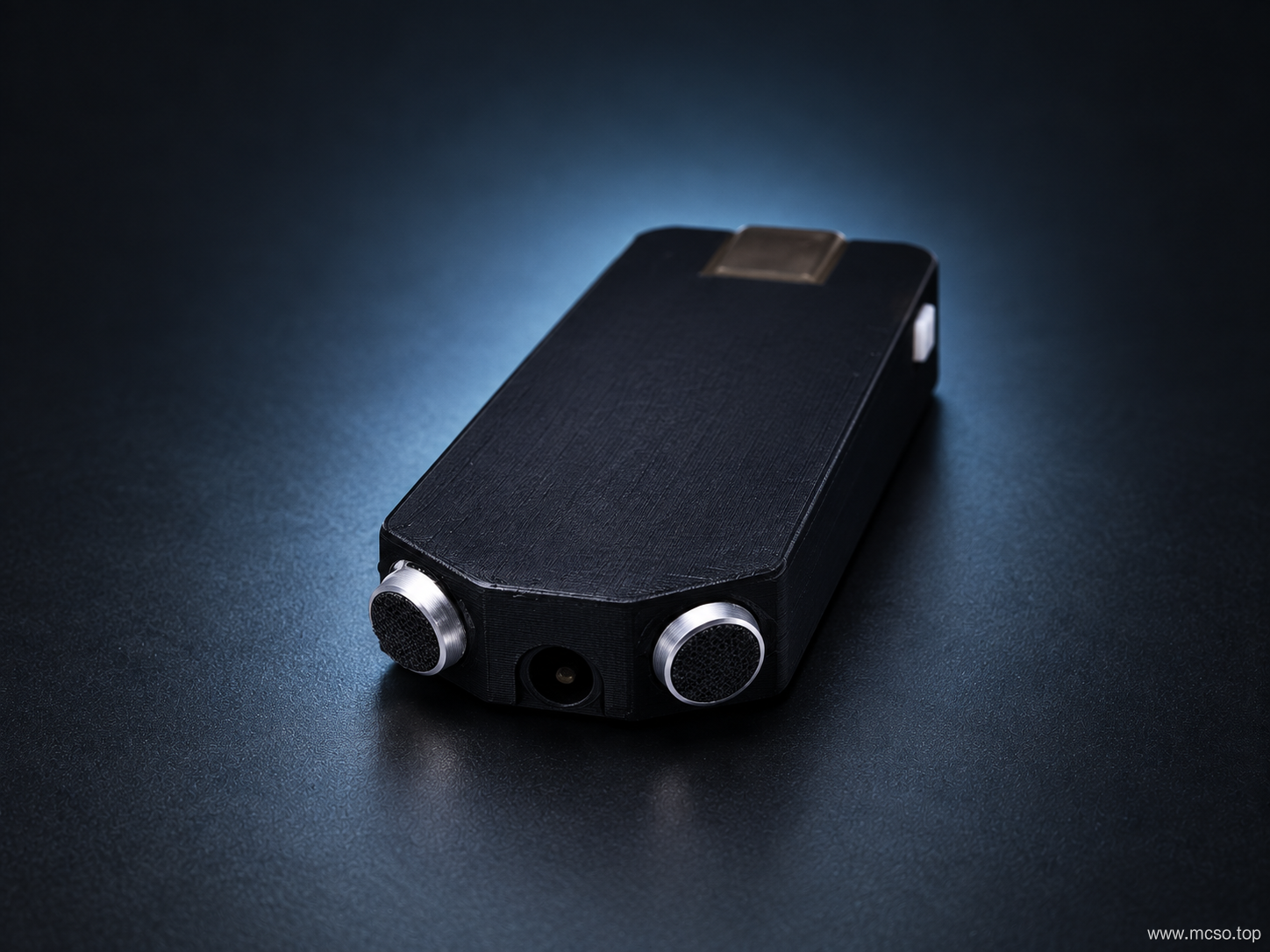
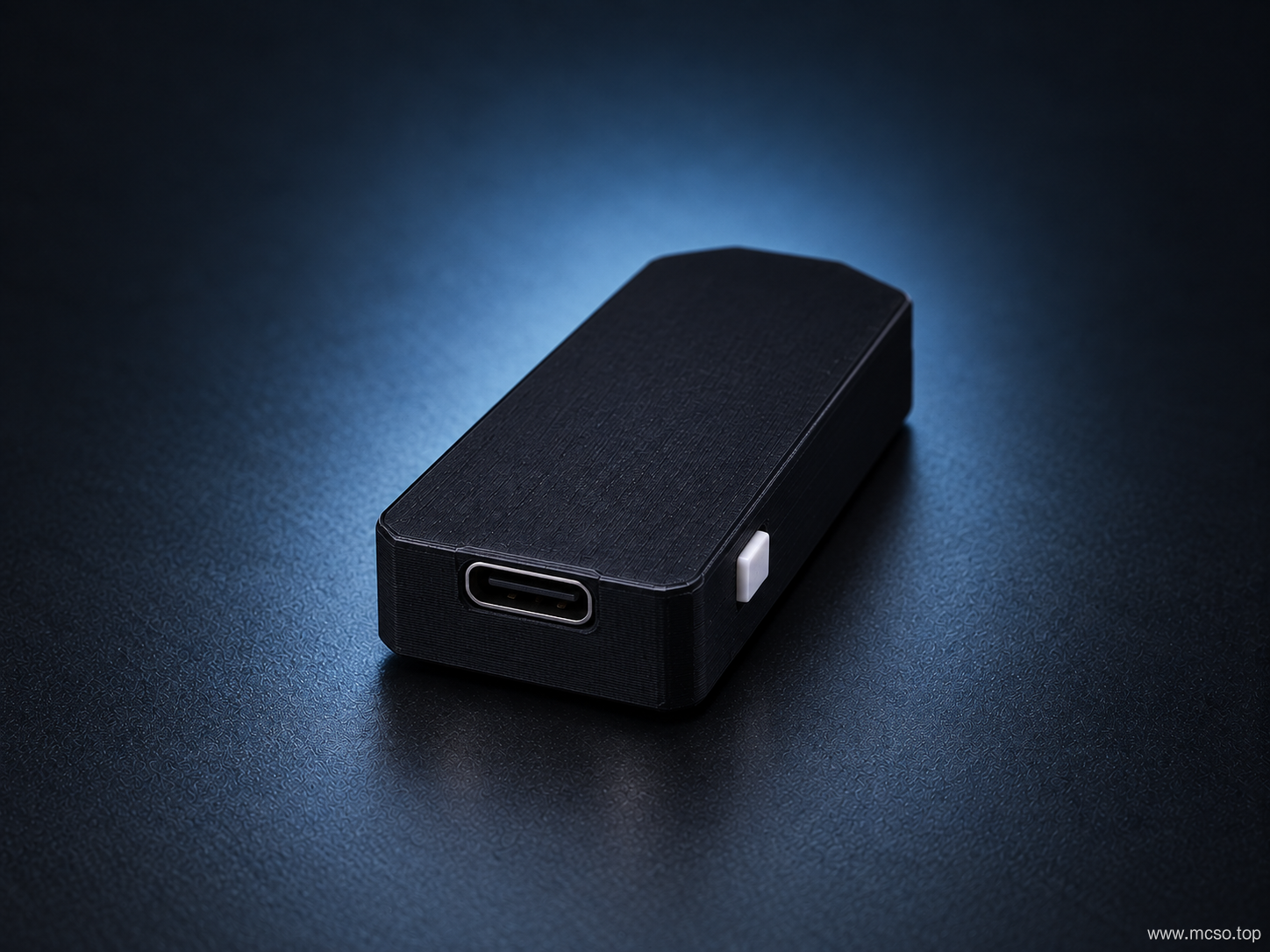
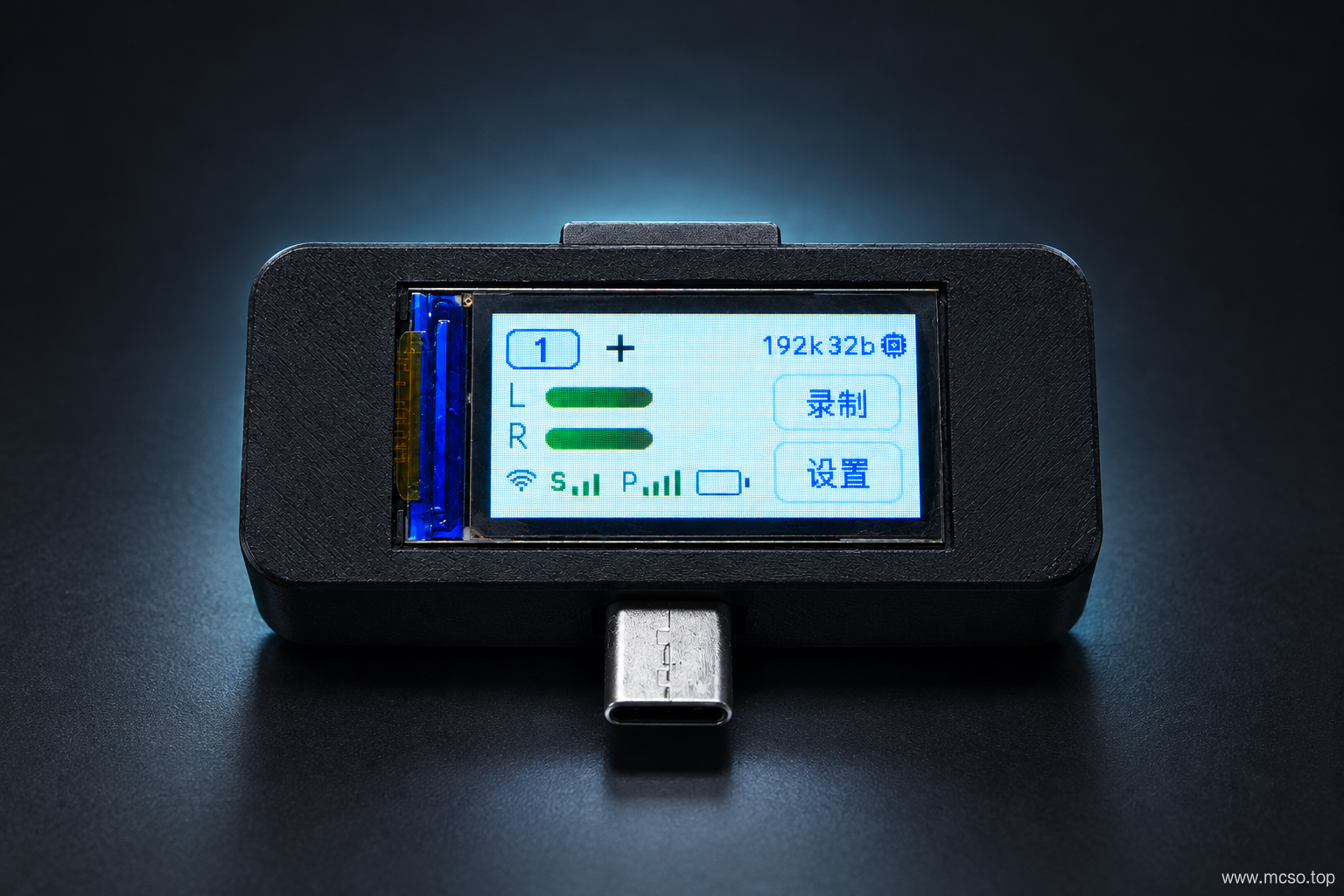
Here is the rendering: