

Total 628 characters, estimated reading time: 2 minutes.
Reminder: This article was last updated on May 13, 2026, at 23:18. The information referenced in this article may have changed since then. Please be aware!
Reason
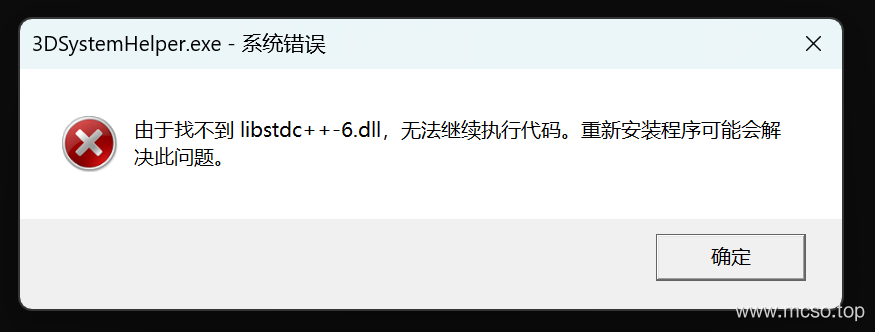
This problem occurs because the dynamic library cannot be found, so use the command windeployqt to deploy the dynamic library.
Solution
A more complete approach is visible:https://www.mcso.top/computer/programming/clion-qt-program/
Method 1: Manually add
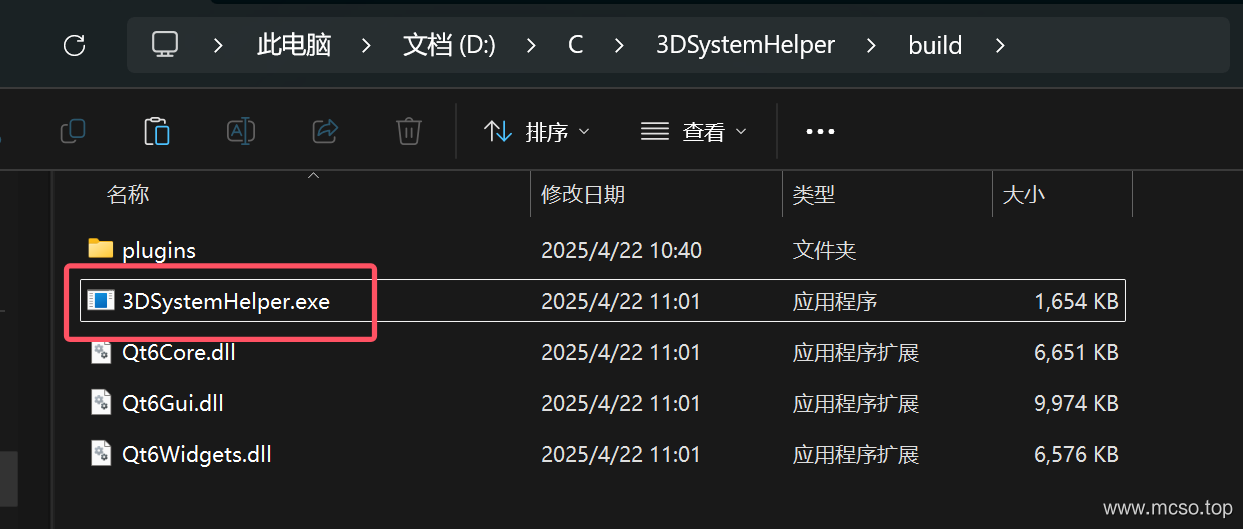
This is because there is no use of Qt's Dynamic Link Library . We find QT directory \QT version number \mingw_64\bin directory, for example in my this is QT\6.7.0\mingw_64\bin, enter and create here. cmd window , enter:
# 加载环境
qtenv2.bat
# 动态链接库
windeployqt 你的文件.exe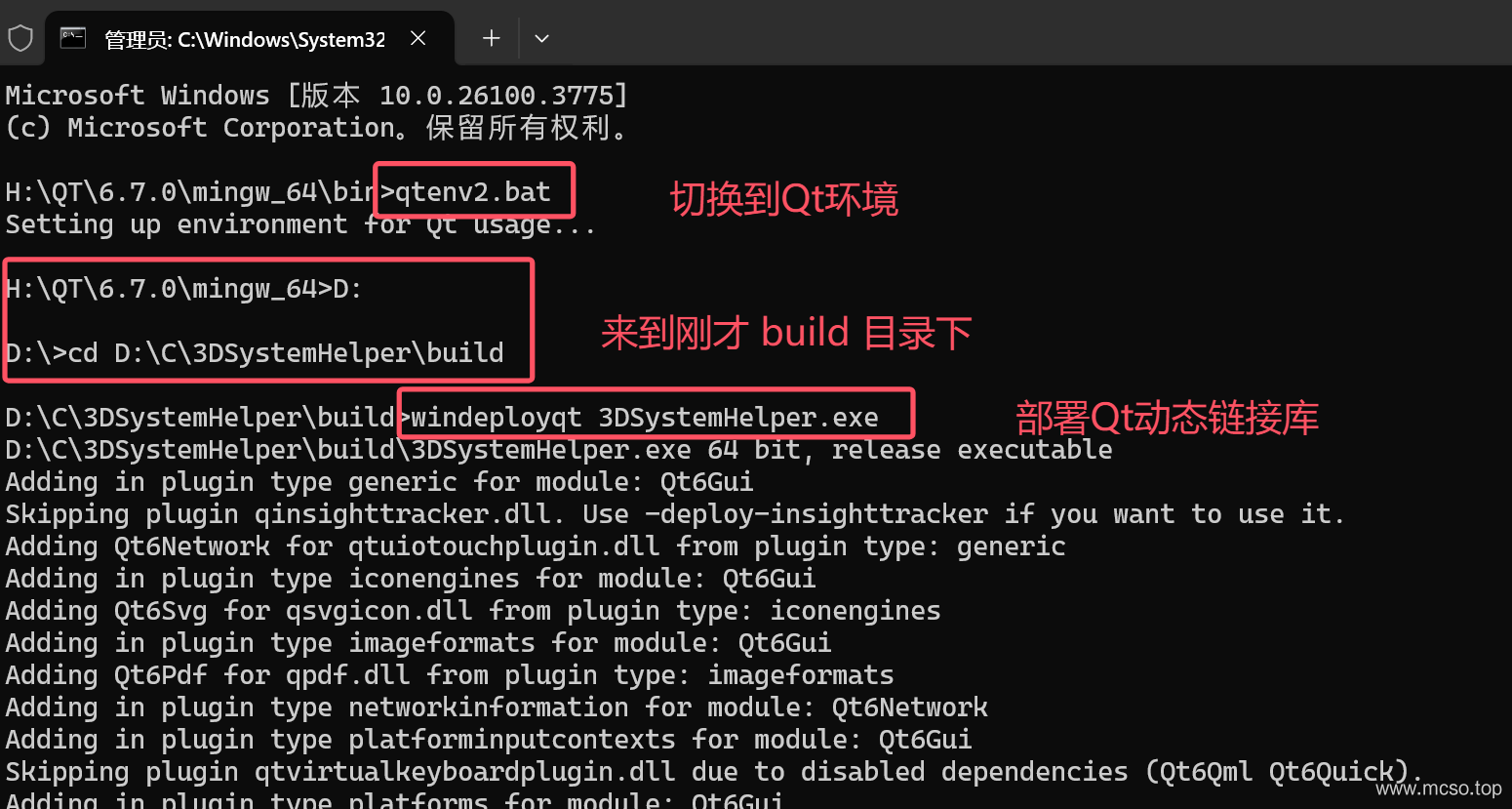
Then many other files are generated in the build directory, and then the run becomes:
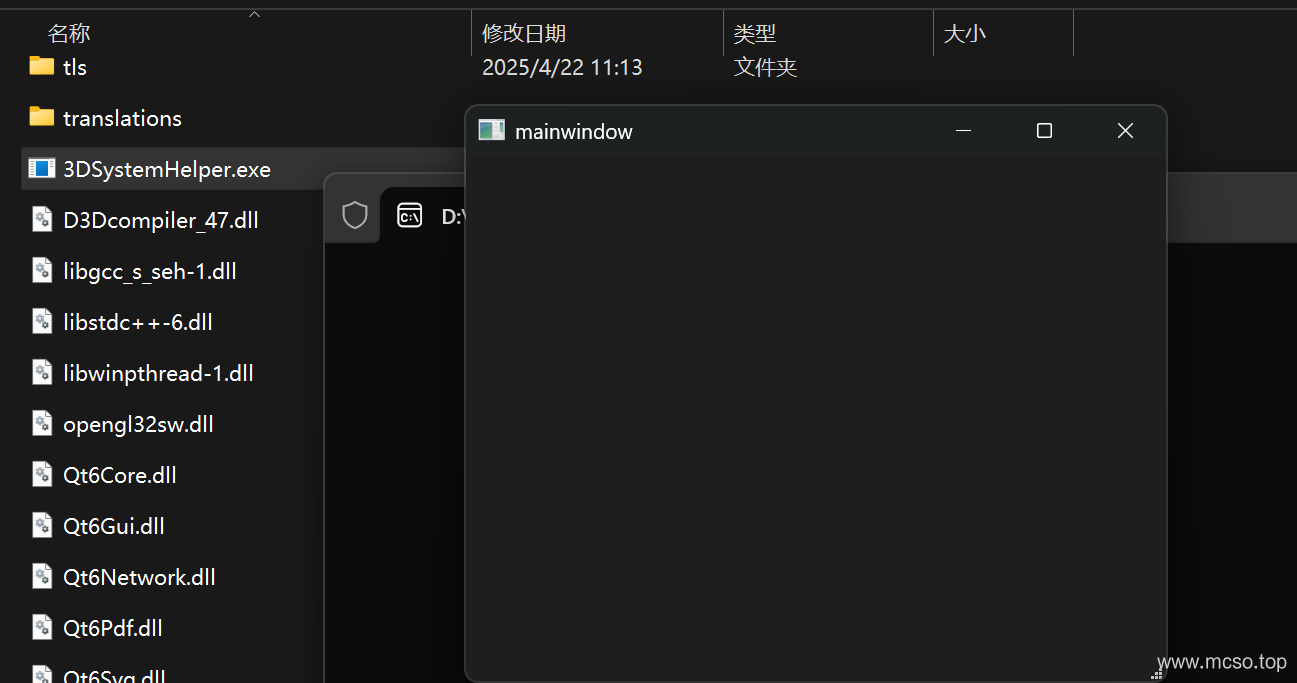
Method 2: Modify CMakeLists.txt
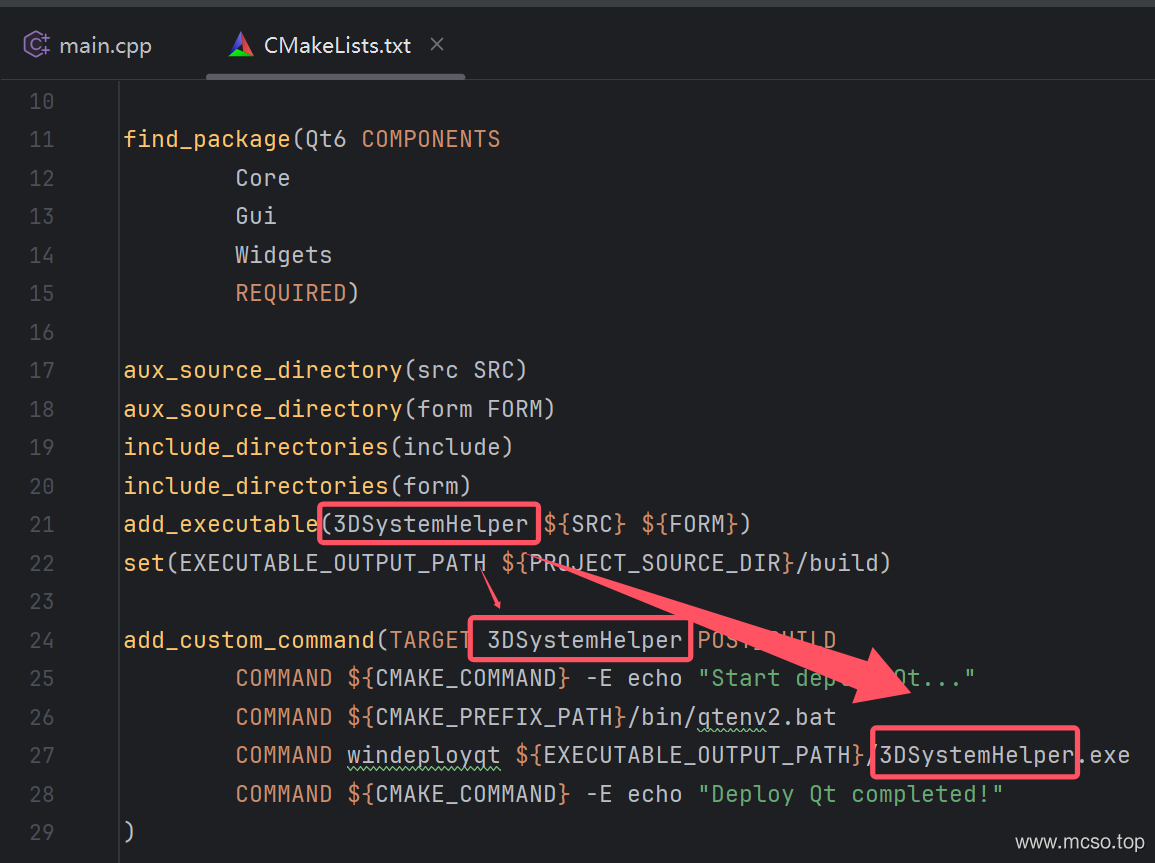
In CMakeLists.txt Add the following code, will 3DSystemHelper Modify the name of the executable generated for you:
add_custom_command(TARGET 3DSystemHelper POST_BUILD
        COMMAND ${CMAKE_COMMAND} -E echo "Start deploy Qt..."
        COMMAND ${CMAKE_PREFIX_PATH}/bin/qtenv2.bat
        COMMAND windeployqt ${EXECUTABLE_OUTPUT_PATH}/3DSystemHelper.exe
        COMMAND ${CMAKE_COMMAND} -E echo "Deploy Qt completed!"
)
Then rebuild it:

The result is still the same, can run: